SaveFlow vs SnapSave vs SSSTik: TikTok Downloaders Compared
Published Updated By SaveFlow Editorial
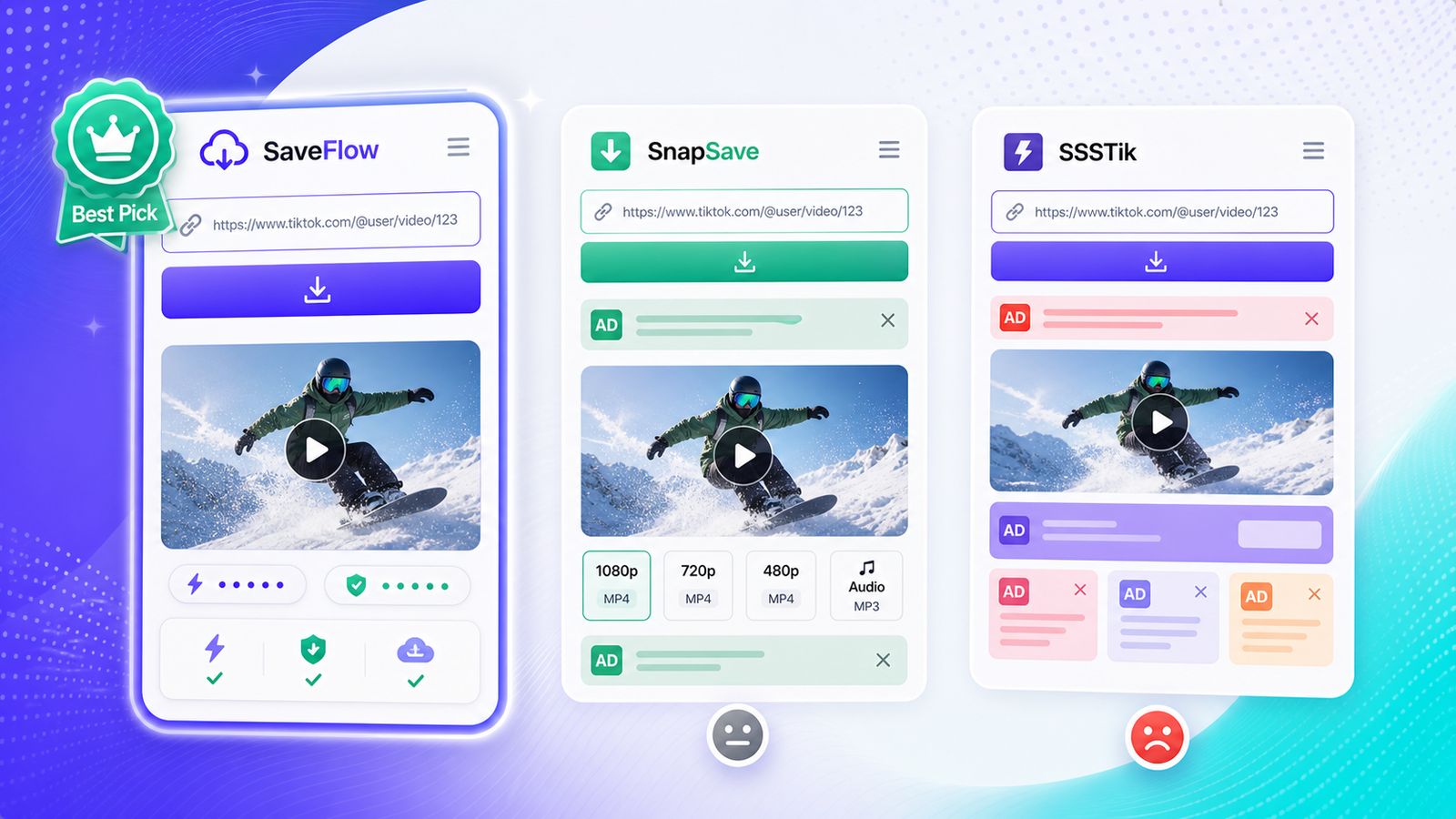
There are dozens of TikTok downloaders online. Most do the same thing: you paste a link, they remove the watermark, and you get an MP4. But they're not all equal. Some are covered in ads, some give you lower quality than they should, and some don't work half the time. I tested three popular options side by side to find the best TikTok downloader without watermark for different situations.
What Actually Matters in a TikTok Downloader
Before getting into the comparison, here's what I looked at. Speed matters, but only to a point. All three tools process a link in under 10 seconds, so the difference between 3 seconds and 7 seconds isn't a dealbreaker. What matters more is whether the tool consistently works, whether it floods you with ads, what quality and format options you get, and how it handles edge cases like slideshows and longer videos.
Quick Comparison
Here's the summary before the details. SaveFlow: no watermark, low ads, supports MP4 and MP3, handles slideshows, works well on mobile. SnapSave: no watermark, moderate ads, MP4 and MP3, sometimes struggles with slideshows, decent mobile experience. SSSTik: no watermark, heavy ads, MP4 and MP3, handles slideshows as video only, mobile experience is cluttered.
SaveFlow: Detailed Review
SaveFlow is the cleanest of the three in terms of interface. The homepage has an input field and a download button and not much else. No pop-up ads, no misleading "Download" buttons that are actually ads, no redirects to other sites.
I tested it with a 45-second TikTok video at 1080p. The link processed in about 4 seconds, and I had quality options ranging from 360p to 1080p plus an MP3 option for audio only. The downloaded file was the full resolution, and the watermark was completely removed. File size for 1080p was around 12MB, which is normal for a 45-second clip.
For TikTok slideshows (photo carousels), SaveFlow detected the carousel and offered individual image downloads. This is a feature the other two handle differently, which I'll get to.
On iPhone Safari, SaveFlow worked without issues. The download prompt appeared as expected, and the file saved to the Files app. On Android Chrome, the download was even more straightforward. No extra steps needed.
The main downside: SaveFlow is newer and less well-known, so there's less community discussion about it if you run into problems. But in my testing, I didn't hit any issues that needed troubleshooting.
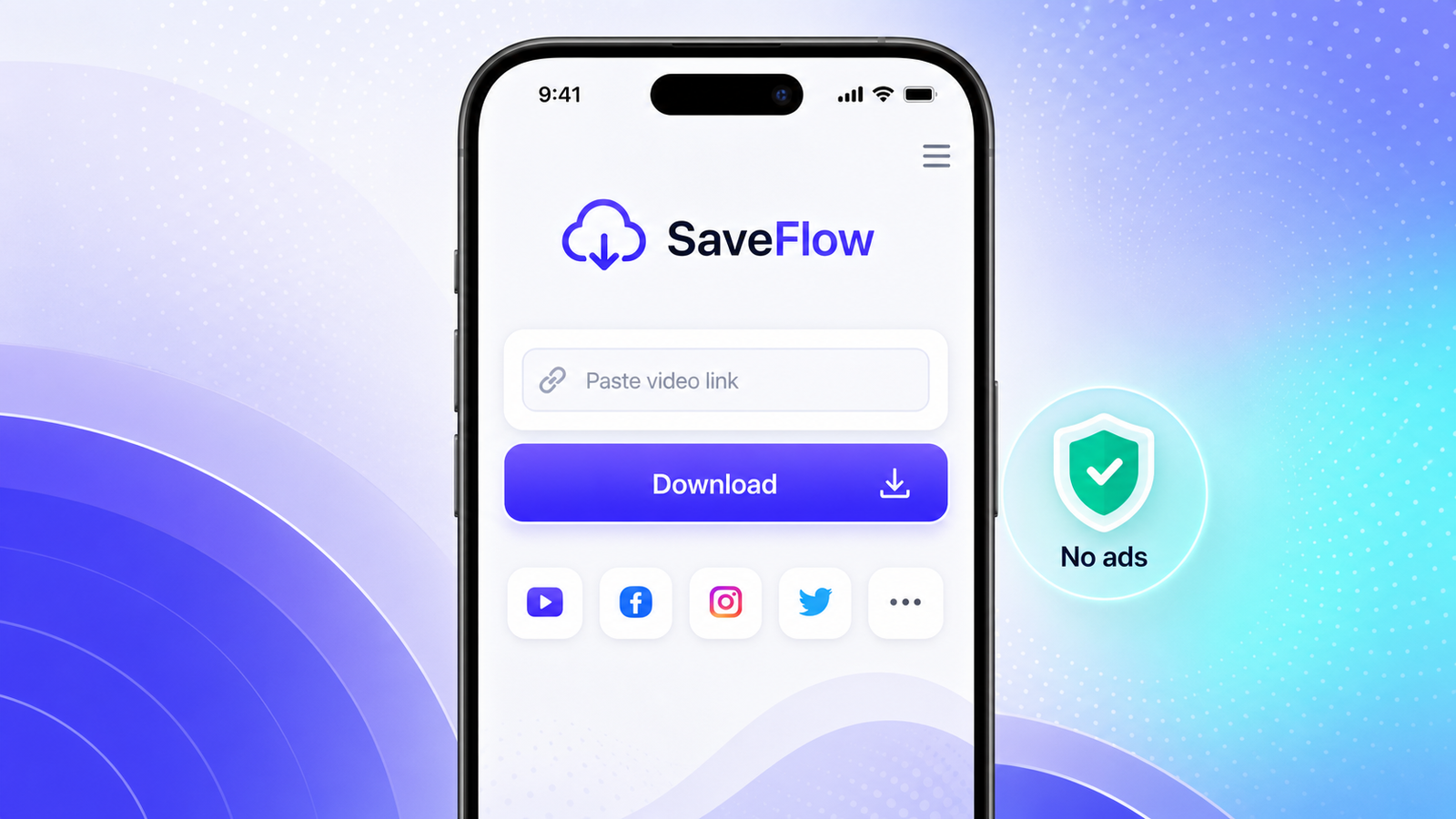
SaveFlow TikTok downloader clean mobile interface without ads
SnapSave: Detailed Review
SnapSave has been around for a while and has a decent reputation. The interface is busier than SaveFlow's, with banner ads above and below the download area. None of them are the dangerous kind that disguise themselves as download buttons, but they do add visual clutter.
Testing with the same 45-second video: processing took about 6 seconds. Quality options were similar, with HD and SD choices plus MP3. The download quality was identical to SaveFlow, which makes sense since they're pulling from the same source (TikTok's servers).
Where SnapSave stumbled in my testing was with slideshows. It converted the slideshow to a video instead of offering individual images. That works if you want the slideshow as a video, but if you wanted the original images at full resolution, you'd need a different tool.
The mobile experience on SnapSave is functional but not great. The ads make the page longer than it needs to be, and on smaller screens you end up scrolling past them to find your download link. Nothing broken, just more friction.
SSSTik: Detailed Review
SSSTik is one of the most popular TikTok downloaders by traffic. It works, and it works consistently. That's the main thing it has going for it. The ad situation, though, is rough.
When I tested the same video, the page loaded with multiple ad placements including pop-unders (ads that open behind your browser window). Processing took about 5 seconds. Quality and format options were adequate, with the standard MP4 and MP3 choices.
The download itself was fine. Same quality, same file. But on mobile, the experience was noticeably worse. I got redirected to an ad page once before the download started on my Android test. On iPhone, a pop-up appeared that I had to dismiss before I could access the download link.
For slideshows, SSSTik only offered the video version. No individual image downloads.
SSSTik handles its core job well, but the ad load makes it feel like you're fighting the site to do the one thing you came to do.
Ad Intrusiveness Ranking
This is subjective, but I'll be specific about what I encountered. SaveFlow: I saw one banner ad and no pop-ups, no redirects, no fake download buttons. SnapSave: Two to three banner ads, no pop-ups in my testing, no fake buttons. SSSTik: Multiple banner ads, one pop-under on desktop, one interstitial redirect on mobile Android, no fake download buttons but the real button was harder to find among the ads.
If ads bother you, SaveFlow is the clear winner. If you can tolerate some ads, SnapSave is acceptable. If you have a good ad blocker, SSSTik becomes usable.
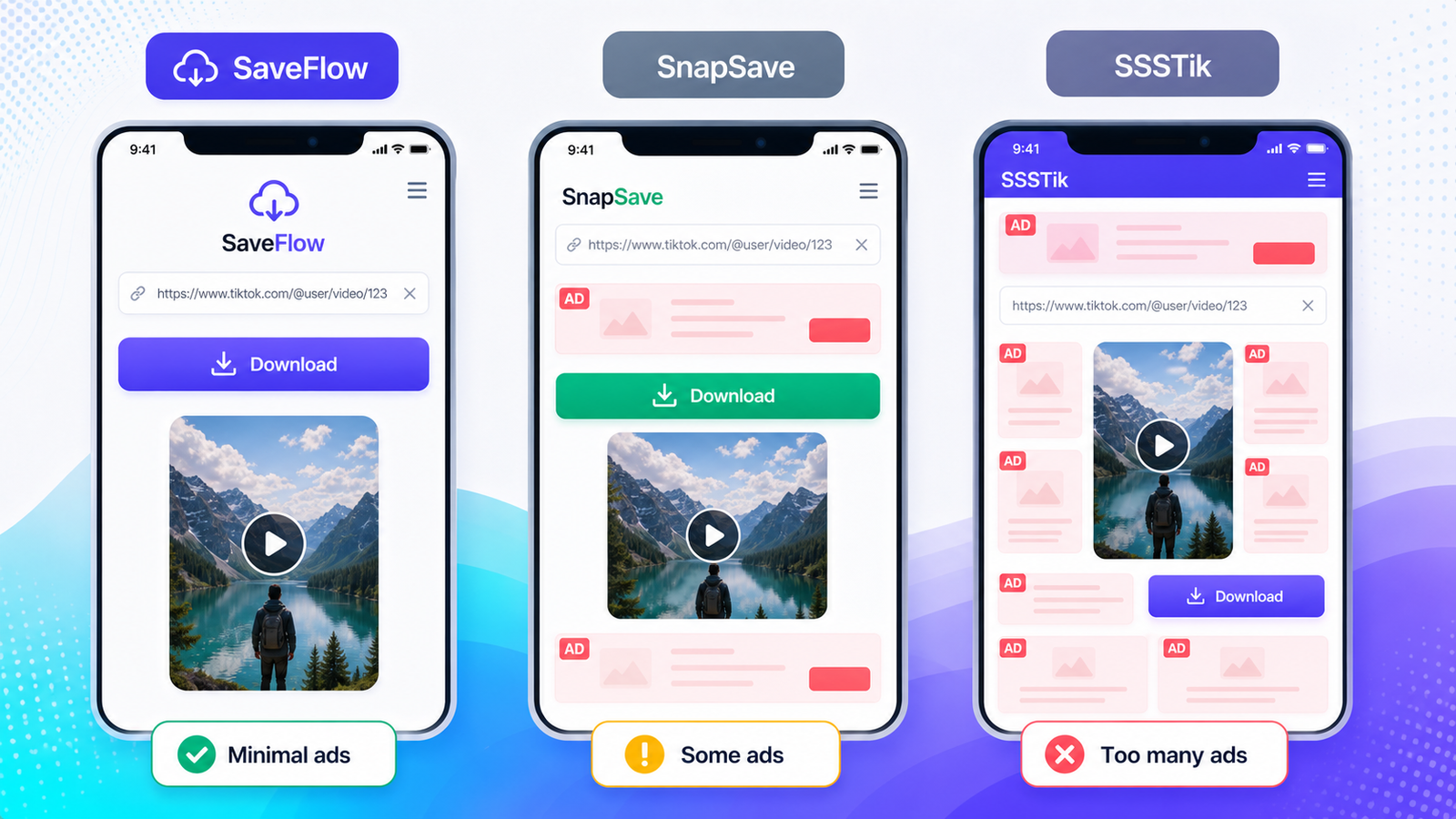
TikTok downloader comparison SaveFlow vs SnapSave vs SSSTik mobile ad comparison
Format Support
All three support MP4 video download and MP3 audio extraction. SaveFlow offers more granular quality choices (360p, 480p, 720p, 1080p where available). SnapSave and SSSTik typically offer HD and SD without specifying exact resolution. In practice, "HD" usually means 720p or 1080p depending on the source video.
For MP3, all three extract the audio at a reasonable bitrate. I didn't notice a quality difference in the audio files between the three tools.
Slideshow and Carousel Handling
This is where the differences matter most. TikTok's photo mode (slideshows/carousels) is increasingly popular. If you just want the images, SaveFlow is the only one of the three that lets you download individual photos from a carousel. SnapSave and SSSTik both convert the slideshow to a video, which means you lose the original image quality and can't get individual frames easily.
Privacy and Data Handling
None of the three require you to create an account or log in. None ask for your TikTok credentials. In terms of what happens to your data, all three process the link server-side and deliver the file to you. I can't verify their internal data practices beyond what their privacy policies state, but none of them collect personally identifiable information during normal use.
SSSTik has a more detailed privacy policy that mentions using cookies for advertising, which tracks with the heavier ad experience. SaveFlow and SnapSave have simpler privacy statements.
My Honest Pick
For most people, SaveFlow is the best choice. The clean interface, low ad count, and slideshow support make it the least frustrating option. The download quality is the same across all three (since they pull from the same TikTok source), so the differences come down to experience and features.
I'd recommend SnapSave as a backup if SaveFlow is temporarily down. It's been around longer and has a track record of reliability. SSSTik works fine too, especially with an ad blocker, but the mobile experience without one is rough enough that I'd try the other two first.
None of these tools are perfect, and all of them can break temporarily when TikTok changes something. Having two or three bookmarked so you can switch when one goes down is the practical approach.
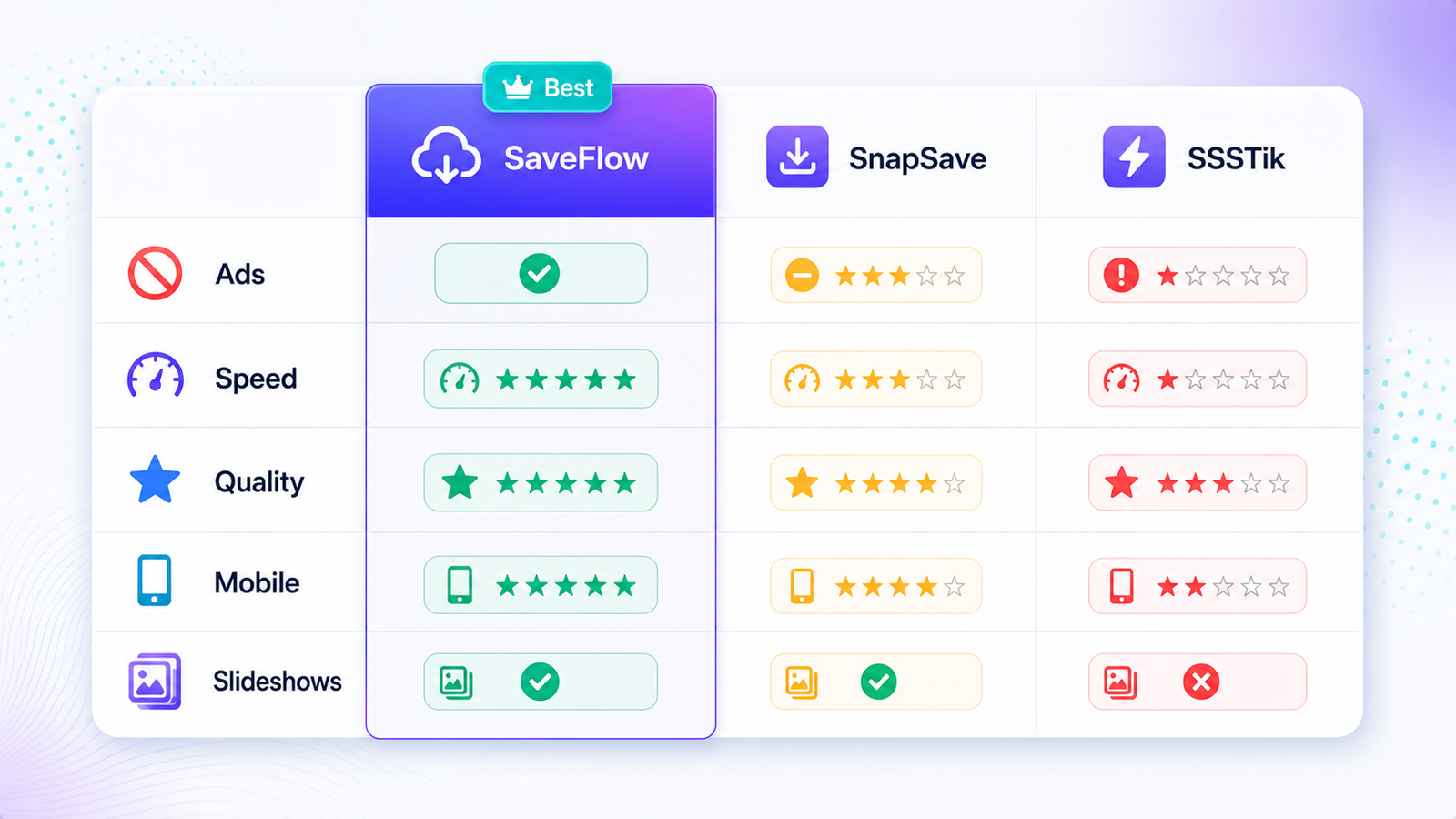
Best TikTok downloader without watermark comparison table 2026
FAQ
Are these TikTok downloaders free?
All three are free. SaveFlow and SSSTik are completely free with no paid tier. SnapSave is also free. They make money through ads, which is why the ad experience varies so much between them.
Do any of these work if TikTok is banned in my country?
You still need a working TikTok link. If you can access TikTok through a VPN and copy a video link, the downloader should be able to process it since the download happens on their servers, not through your connection to TikTok. But if you can't get a valid link, the downloader can't help.
Can these downloaders get my TikTok account banned?
No. You're not logging into TikTok through these tools. You're just copying a public link and pasting it. TikTok has no way to connect the download to your account.
What's the best quality I can download a TikTok video in?
The maximum is whatever the creator uploaded. Most TikTok videos top out at 1080p. Some older videos or heavily compressed ones might max out at 720p. The downloader can't give you higher quality than what exists on TikTok's servers.
Why do all these downloaders give the same video quality?
Because they're all pulling from the same source: TikTok's content servers. The video file is the same regardless of which downloader grabs it. The differences are in the tool's features, interface, and ad experience, not the video itself.
Is SnapTik the same as SnapSave?
They're different tools with similar names. There are a lot of TikTok downloaders with "snap" in the name. Double-check the URL to make sure you're on the site you intended.