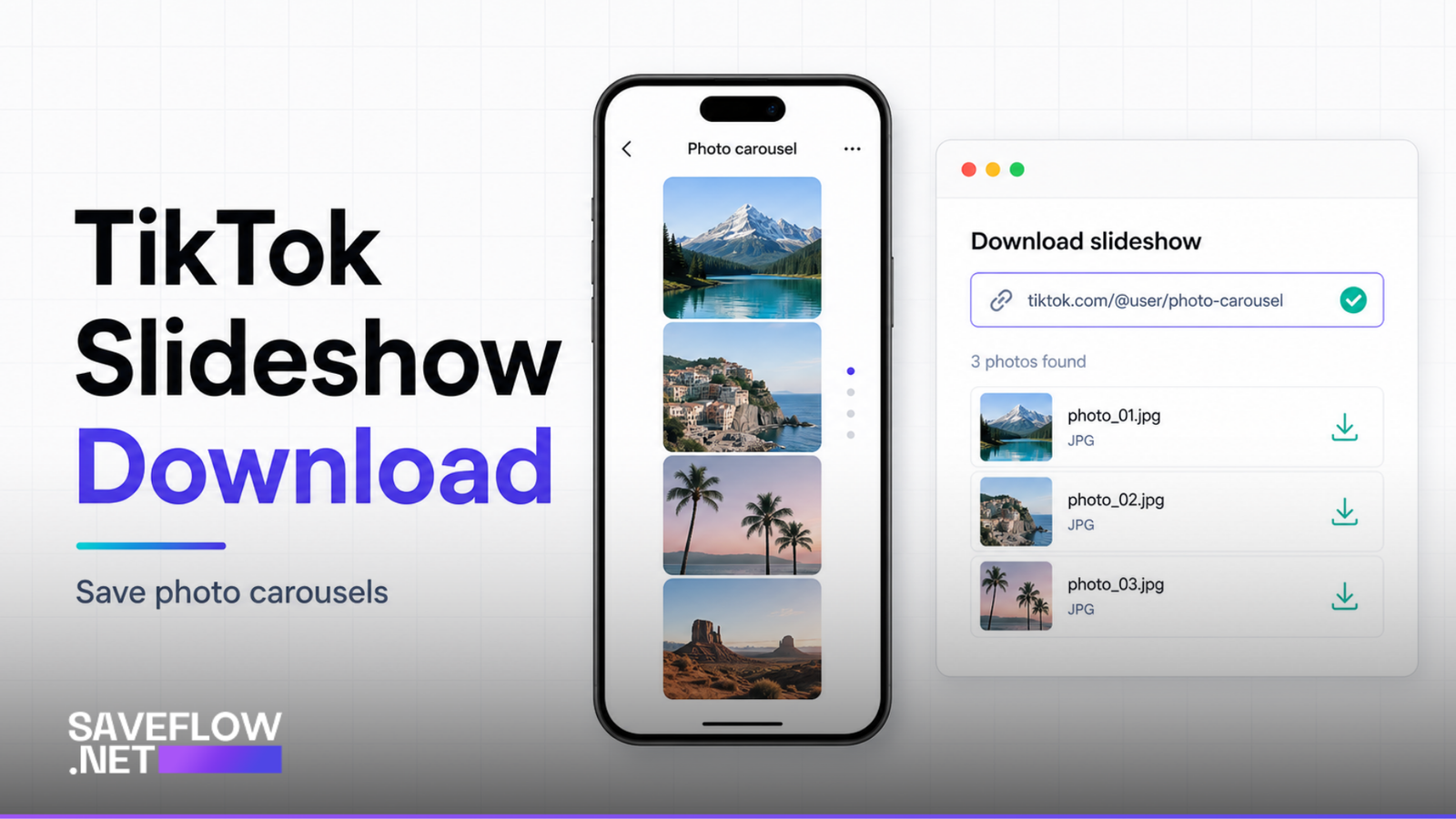
TikTok's photo mode lets creators post slideshows: a series of images set to music that viewers swipe through. They're everywhere now, used for photo dumps, outfit check posts, recipe steps, and memes. But downloading them is different from downloading a regular TikTok video, and the usual "Save video" button inside the app doesn't always handle them well.
What TikTok Slideshows Are (and Aren't)
A TikTok slideshow (also called photo mode or photo carousel) is a post made up of multiple still images that play in sequence with a music track. They're not videos in the traditional sense. There's no video file with frames. The post is a collection of individual images stitched together with transitions and a background audio track.
This matters for downloading because the content structure is fundamentally different. A regular TikTok is a single MP4 video file. A slideshow is multiple JPEG or PNG images plus an audio track. Different downloaders handle this differently, and some just fail entirely.
Why the TikTok Save Button Falls Short
When you tap "Save video" on a slideshow post in the TikTok app, you sometimes get a video version of the slideshow with the transitions and music included. The quality of the individual images in this video is lower than the original photos because they've been encoded as video frames. Sometimes TikTok lets you save individual images by long-pressing on each photo, but this option isn't consistently available across all slideshow posts or TikTok versions.
If you want the original images at full resolution, the app's save function usually isn't good enough.
How to Download TikTok Slideshow Photos With SaveFlow
1. Open the slideshow post in TikTok.
2. Tap the Share button and copy the link.
3. Go to saveflow.net in your browser.
4. Paste the link and tap download.
5. SaveFlow detects that the post is a slideshow and shows the individual images.
6. Download each image individually, or download all at once if that option is available.
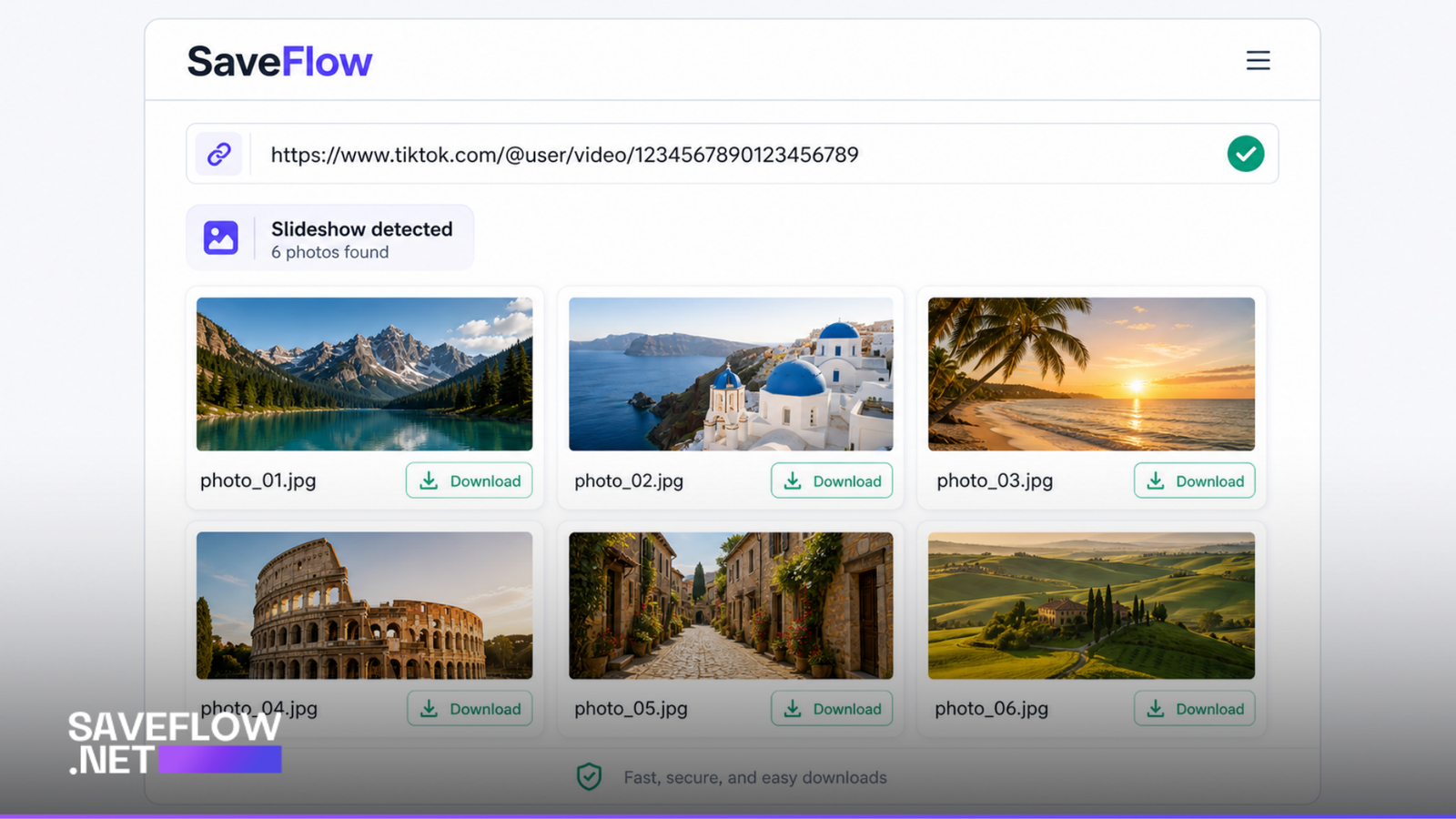
SaveFlow TikTok slideshow downloader showing individual photo download options
Downloading All Images vs. Individual Photos
SaveFlow typically shows all the images from the carousel with a download button for each one. If you only need one or two photos from a 10-image carousel, just download the ones you want. If you want everything, download them one at a time. Some slideshows have 2 images, some have 35. The number of images in the carousel varies by post.
Image Quality: What You Actually Get
TikTok does compress images that creators upload, but the compression is lighter than what you'd get from a video frame. The images you download through SaveFlow are the same resolution that TikTok serves to viewers. For most posts, this is 1080 pixels wide, which is plenty for viewing on a phone or sharing in messages. It won't match a DSLR-quality original, but it's the best quality available from TikTok.
If the creator uploaded phone screenshots or low-resolution images, the downloads will match that lower quality. There's no way to enhance resolution beyond what was originally posted.
Can You Download the Slideshow as a Video Instead?
Yes. Some downloaders, including SaveFlow, offer the option to download the slideshow as a video file (MP4) with the transitions and music included. This is essentially the same thing you'd get from TikTok's built-in save, but without the watermark. The video version is useful if you want to repost the entire slideshow with its music elsewhere.
Keep in mind that the video version will have lower image quality per frame compared to downloading the individual photos. Video encoding compresses the images further.
What About the Music on Slideshows?
If you download individual images, there's obviously no audio component. Images don't have sound. If you download the slideshow as a video, the music track is included. If you want just the audio from a slideshow (the song that plays over it), you can use SaveFlow's MP3 extraction, which pulls the audio track separately.
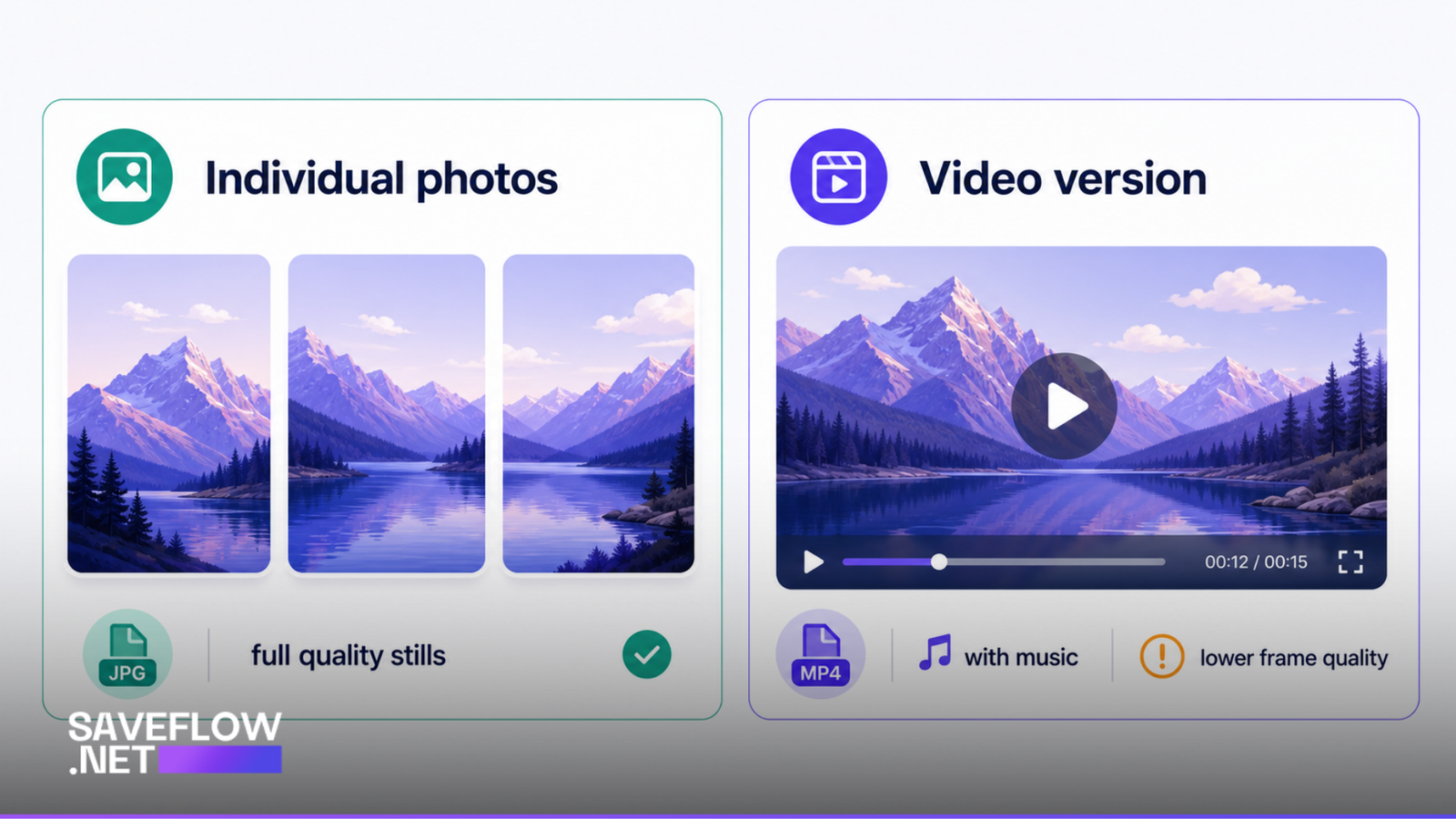
TikTok slideshow download comparison individual photos vs video version quality
Troubleshooting
Only getting one image instead of the full carousel
This can happen if the downloader doesn't properly detect the post as a carousel. Try pasting the link again. If it keeps happening, the post might be structured in an unusual way that the tool can't parse. Try downloading on a different tool as a backup.
Getting a video instead of photos
Some downloaders default to converting the slideshow to a video. If you want individual images, make sure you're using a tool that supports photo extraction from carousels. SaveFlow distinguishes between the two and offers both options when applicable.
Images are blurry or low resolution
The images are whatever quality TikTok has. If the original photos were low resolution, the downloads will be too. One thing to check: some downloaders grab thumbnail versions instead of full-size images. If the files you're getting are only a few kilobytes each, you're probably getting thumbnails. A full-resolution image from a TikTok slideshow is typically 100KB to 500KB per image.
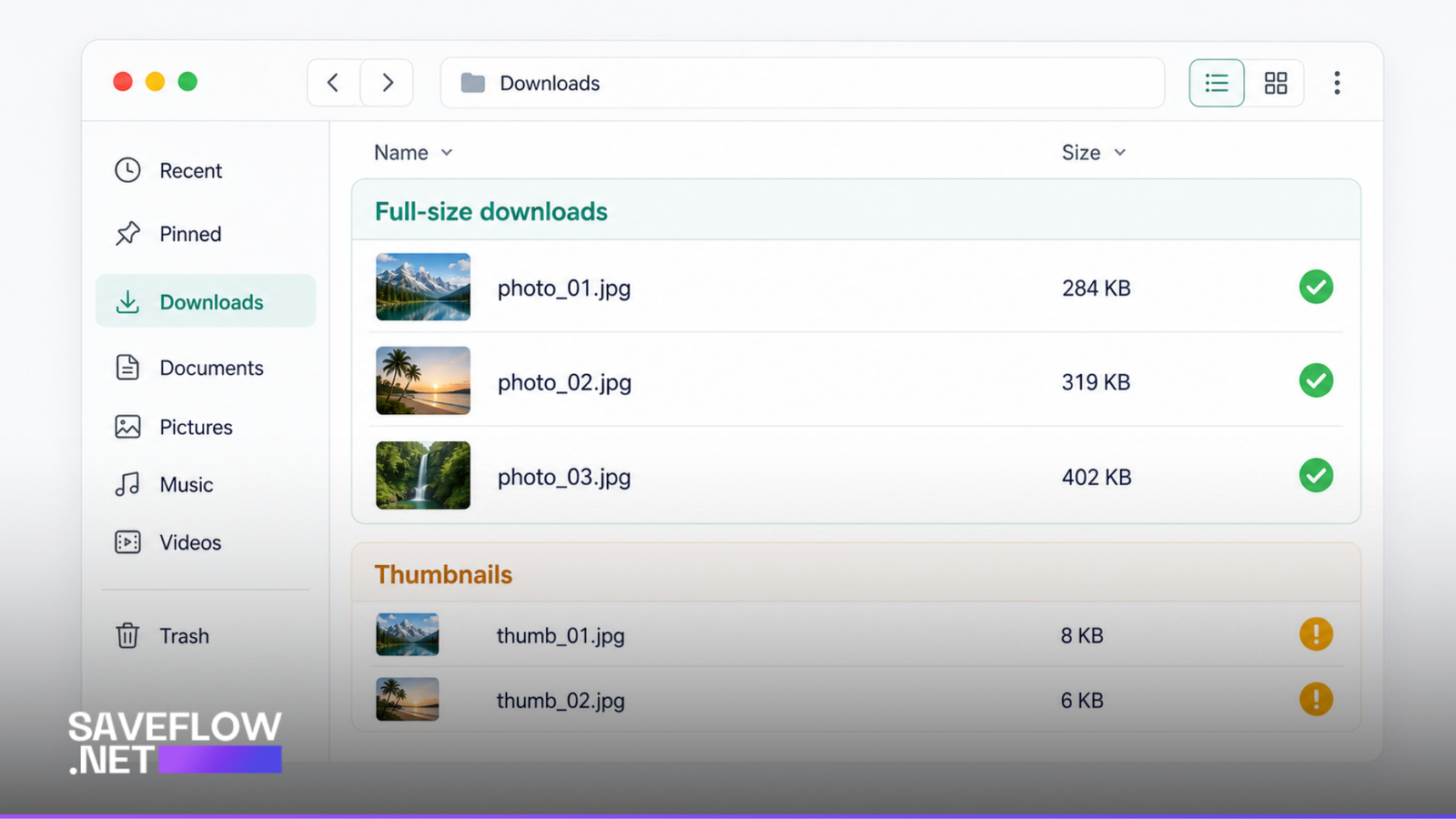
Downloaded TikTok slideshow photos file sizes showing full quality vs thumbnail
FAQ
Can I download TikTok slideshows that have been reposted by other users?
If someone reposted a slideshow to their own account, use the link to their repost. The images are the same. If they shared it as a link without reposting, go to the original post and use that link.
How many images can a TikTok slideshow have?
TikTok allows up to 35 images per slideshow as of 2026. Earlier versions of the feature capped it lower. SaveFlow handles slideshows of any length.
Do TikTok slideshow downloads work on iPhone?
Yes. Each image downloads as a separate file. On iPhone, you'll find them in your Files app under Downloads. From there, you can save them to your Photos app one at a time or select all and share to Photos.
Can I download slideshows from private TikTok accounts?
No. The same private account restrictions that apply to regular TikTok videos apply to slideshows. If the account is private, the downloader can't access the content.