
Twitter became X, the URLs changed, but the platform still doesn't let you download videos directly. If you want to save a video or GIF from a tweet to your phone or computer, you need a third-party tool. The good news is that both x.com and the older twitter.com links still work with most downloaders, including SaveFlow.
The Twitter to X Rebrand and Video Links
When Twitter rebranded to X, the domain changed from twitter.com to x.com. Old twitter.com links still redirect to x.com, so both formats work. If you have a link that starts with twitter.com, it'll still work with SaveFlow. If it starts with x.com, that works too. You don't need to convert between them.
The share URLs you get from the app now use x.com by default. If you're copying a link from an old bookmark or a message someone sent you a while back, it might still be in twitter.com format. Either way, paste it and it'll process.
How to Copy a Tweet Link
From the X/Twitter App
Find the tweet with the video. Tap the share icon (the arrow at the bottom of the tweet). Tap "Copy link." The link is now in your clipboard. It'll look something like x.com/username/status/1234567890.
From a Browser
Click on the tweet to open it in its own page. Copy the URL from your browser's address bar. Or right-click the timestamp on the tweet and copy the link. Both give you the same URL.
Step-by-Step: Download a Twitter/X Video
1. Copy the tweet link using one of the methods above.
2. Go to saveflow.net.
3. Paste the link.
4. Choose your quality. Twitter videos are usually available in multiple resolutions.
5. Download. On desktop, the file saves to Downloads. On iPhone, check the Files app. On Android, it goes to your gallery.
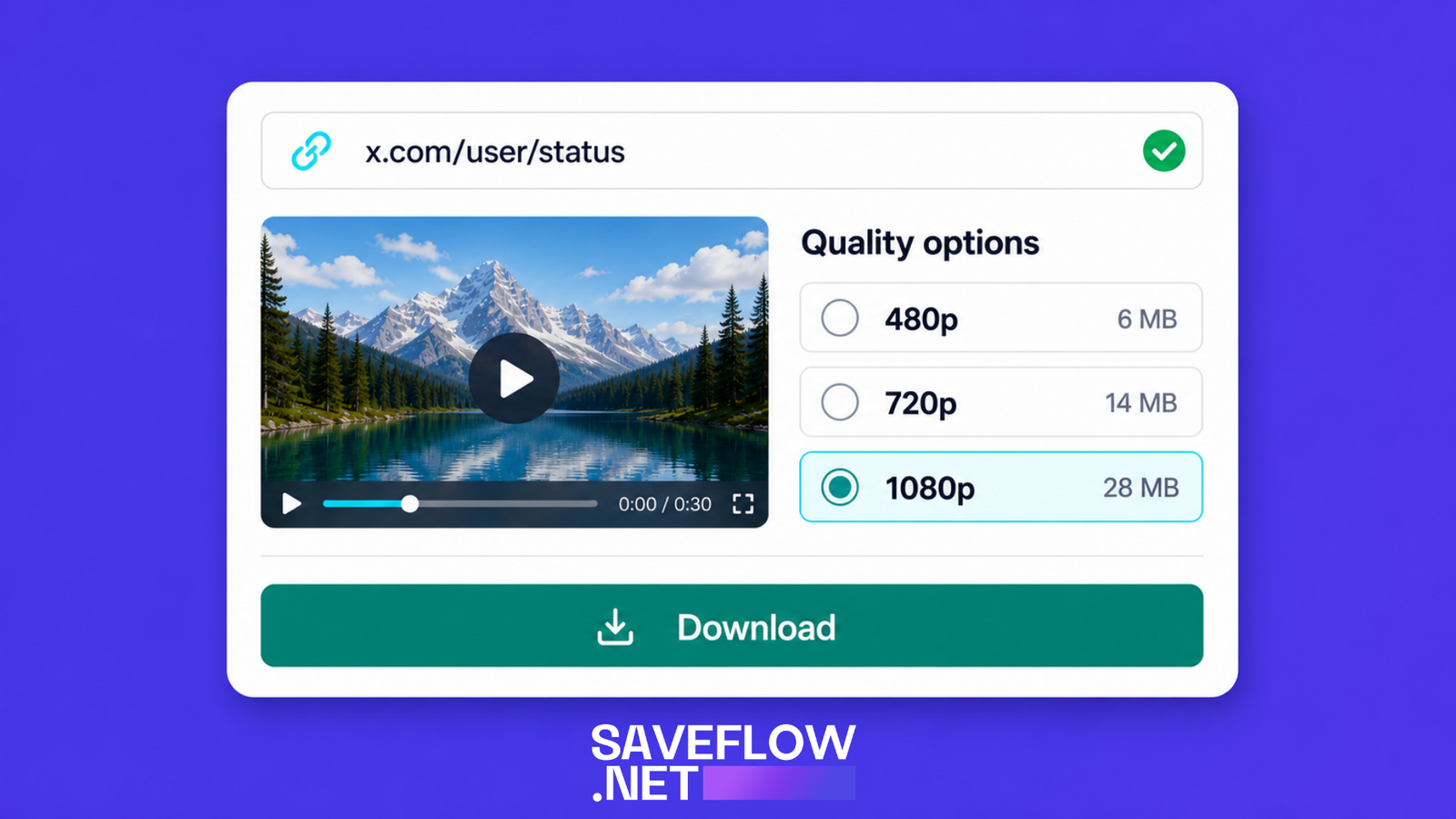
Download Twitter X video with SaveFlow quality options
Downloading Twitter GIFs
Here's something that surprises people: Twitter GIFs aren't actually GIF files. When you upload a GIF to Twitter, the platform converts it to an MP4 video and loops it. The file format on Twitter's servers is MP4, not GIF.
When you download a "GIF" from Twitter using SaveFlow, you'll get an MP4 file. This is actually better than getting a real GIF file because MP4s are smaller and play more smoothly. If you specifically need the GIF format (for example, to use it in a place that doesn't support video), you'd need to convert the MP4 to GIF after downloading, which you can do with a tool like filesflow.net.
GIFs on Twitter are always short (usually under 15 seconds) and have no audio track since the original GIF format doesn't support sound.
Quality Options for Twitter Videos
Twitter typically serves videos in a few quality tiers. The exact options depend on the original upload quality, but you'll commonly see 480p, 720p, and sometimes 1080p. Twitter compresses videos pretty aggressively, so even the highest quality option might look softer than the same video would on TikTok or YouTube.
For most Twitter videos, 720p gives you a good balance. The file sizes are manageable (usually under 15MB for a minute of video), and the quality looks fine on a phone or laptop screen.
Tweets With Multiple Videos
A single tweet can contain up to four media items (images or videos). If a tweet has multiple videos, SaveFlow will typically detect all of them and give you download options for each one. You can download them individually.
If the tool only shows one video from a multi-video tweet, try refreshing or pasting the link again. Multi-media tweets sometimes need an extra processing step to extract all the content.
Private and Protected Accounts
If the account that posted the video has a protected (locked) profile, their tweets are only visible to approved followers. A downloader can't access this content. You'll see an error or "content not found" message. This is the same limitation that applies to every platform: private content is private.
If you follow a protected account and can see their tweets in your feed, but the downloader can't access them, that's expected. The downloader doesn't have your login credentials and can't see what you see.
Videos From Quote Tweets
A quote tweet is when someone retweets a post with their own comment added. If the quote tweet contains a video, you can download that video by copying the quote tweet's link. If the original tweet (the one being quoted) contains the video, you might need to copy the original tweet's link instead. Try the quote tweet link first. If the downloader doesn't pick up the video, navigate to the original tweet and use that link.
Embedded Videos From Other Platforms
Some tweets contain embedded YouTube videos, Twitch clips, or other external media. These aren't hosted on Twitter's servers. If you paste a tweet link that embeds a YouTube video, SaveFlow might direct you to download from YouTube instead, or it might not detect a downloadable video at all since the content lives on YouTube, not Twitter.
For embedded content, your best bet is usually to copy the link to the source platform (YouTube, Twitch, etc.) and download from there directly.
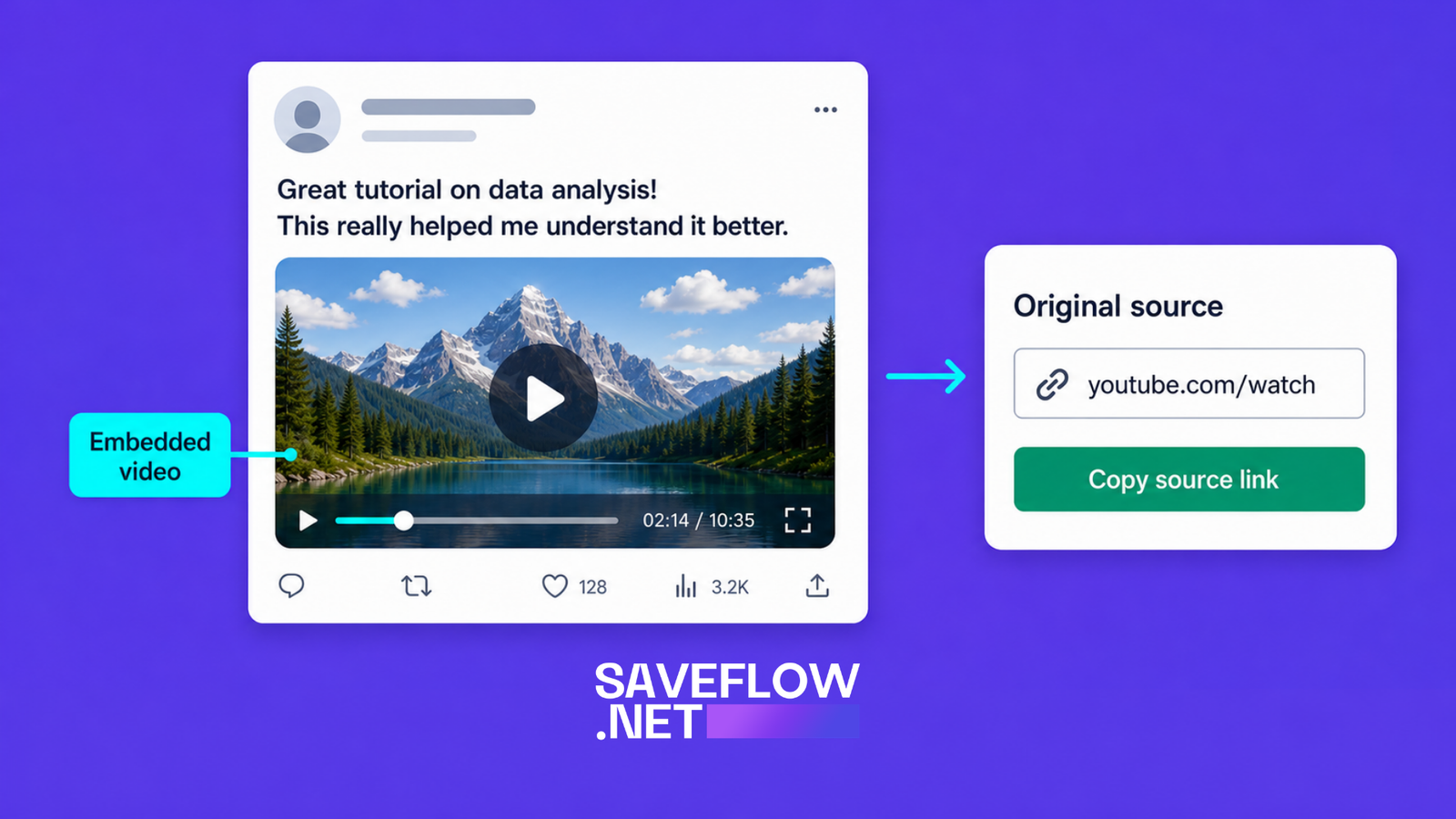
Twitter tweet with embedded YouTube video showing external video source
Can You Download Twitter Spaces Recordings?
Twitter Spaces are live audio conversations. After a Space ends, the host can choose to make the recording available. If the recording is available, it shows up as a replay you can listen to in the app. Downloading Spaces recordings is more complicated than regular video downloads and most standard video downloaders, including SaveFlow, don't support them. Spaces are audio-only content with a different technical structure than video tweets.
Troubleshooting
Link not recognized
Make sure the link is to a specific tweet, not to someone's profile or a search results page. The URL should include /status/ followed by a number. If the link looks right but still fails, try copying it fresh from the app or browser.
Video not available
The tweet might have been deleted, the account might have been suspended, or the content might have been removed for a terms of service violation. If the tweet is still live but the download fails, the issue might be temporary on the downloader's end. Wait a bit and try again.
Download gives a small file that won't play
This usually means the download captured an error response instead of the actual video file. Check the file size. A real video should be at least a few hundred kilobytes for even a very short clip. If the file is under 10KB, something went wrong. Delete it and try downloading again.
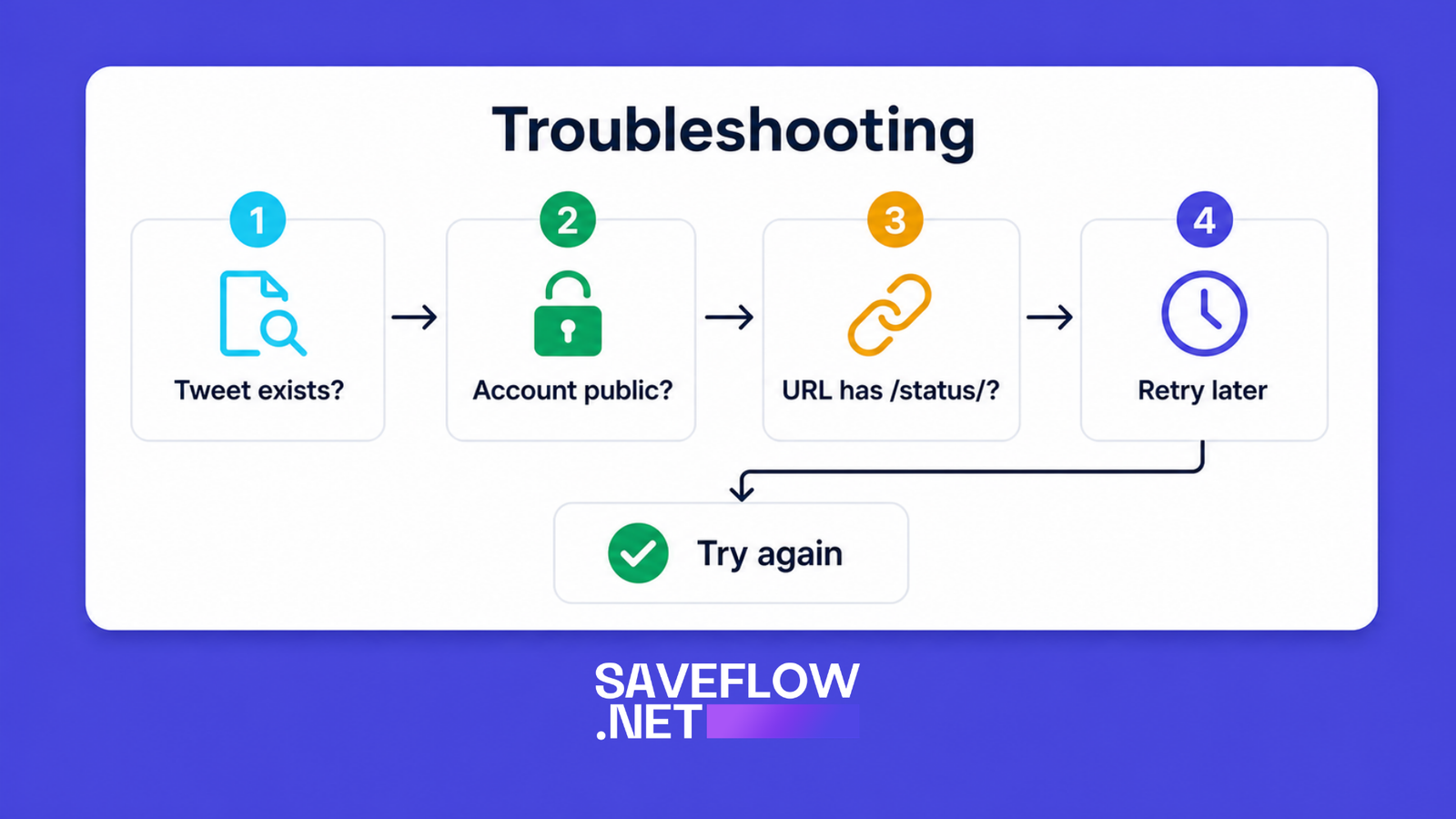
Twitter X video download troubleshooting flowchart
FAQ
Do Twitter video downloads work with both x.com and twitter.com links?
Yes. SaveFlow accepts both formats. The old twitter.com links redirect to x.com anyway, so both point to the same content.
Can I download Twitter videos in 4K?
Twitter doesn't serve videos in 4K as of 2026. The maximum is typically 1080p, and many videos max out at 720p. Even if someone uploaded a 4K video, Twitter compresses it down.
Are downloaded Twitter GIFs actually GIF files?
No. Twitter converts uploaded GIFs to MP4 videos for better performance. When you download a Twitter "GIF," you get an MP4 file. If you need a real GIF file, you'd need to convert it afterward.
Can I download a video from a tweet I already liked or bookmarked?
Yes, as long as the tweet is still active. Go to the tweet (from your likes or bookmarks), copy the link, and use it with SaveFlow. The download process is the same regardless of how you found the tweet.
Will the tweet author know I downloaded their video?
No. Downloading through a third-party tool doesn't trigger any notification or activity on the tweet. It's not connected to your X/Twitter account in any way.