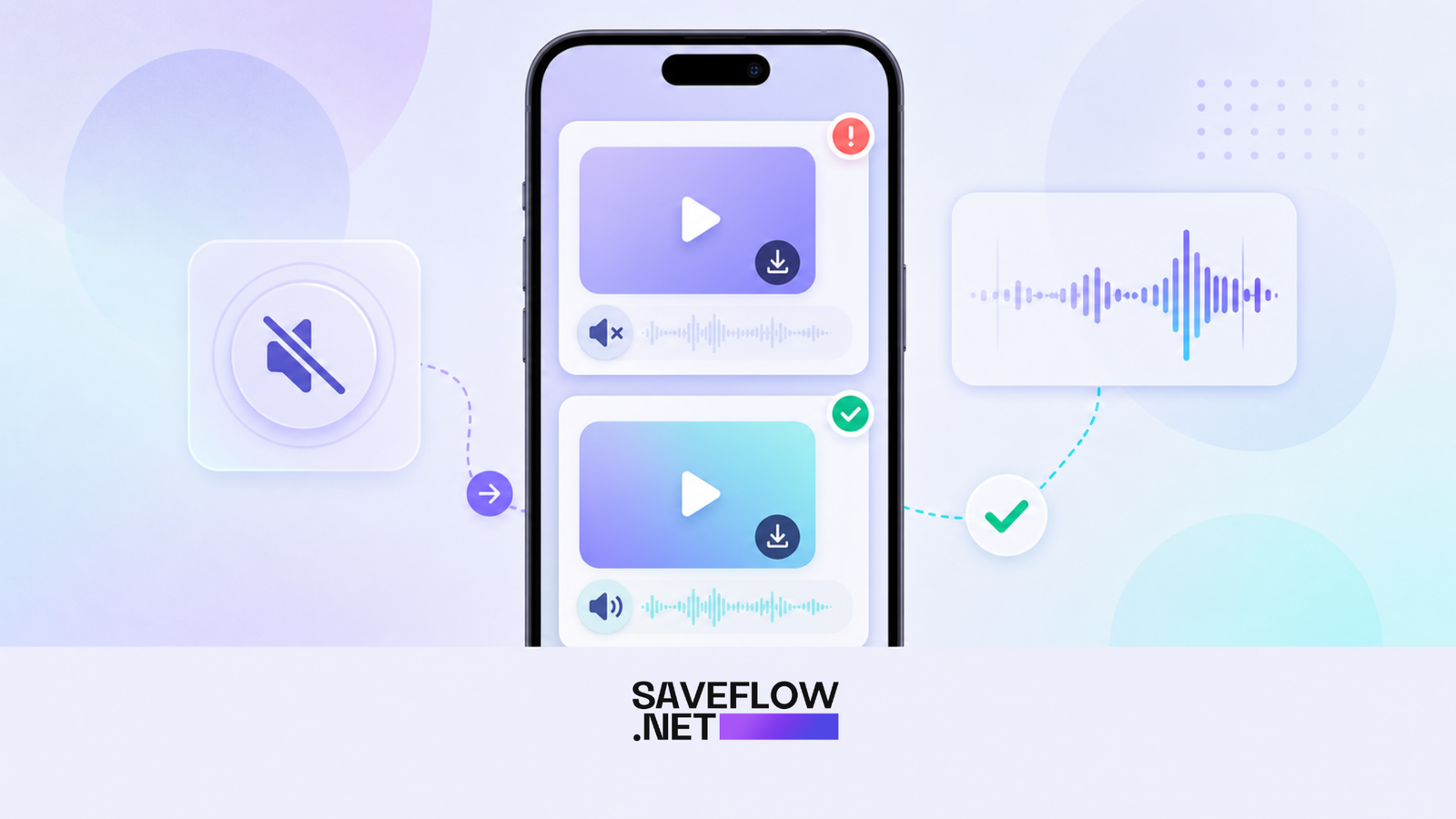
Instagram Reel audio missing after download usually means the sound was not available in the public media source. The Reel may play perfectly inside Instagram, but the downloadable file may be silent or may include only the original camera audio.
Why Instagram Reel audio missing happens
Instagram handles music rights inside the app. A Reel can use a licensed track that streams through Instagram's player, while the public video file does not expose that same audio track. This is why a download can be silent even though the Reel was loud in the app.
Another cause is a muted source. Some creators upload silent video and add music later through Instagram. The music belongs to the app layer, not the original video file.
Test the Reel before blaming the downloader
Open the Reel in a browser while logged out. If it plays without audio there, a downloader probably cannot fetch the music either. If it plays with sound publicly, copy that browser URL and try SaveFlow again.
Also check whether your phone muted the video preview. iPhones have a silent switch, Android phones can route audio to Bluetooth, and browsers sometimes remember muted playback.
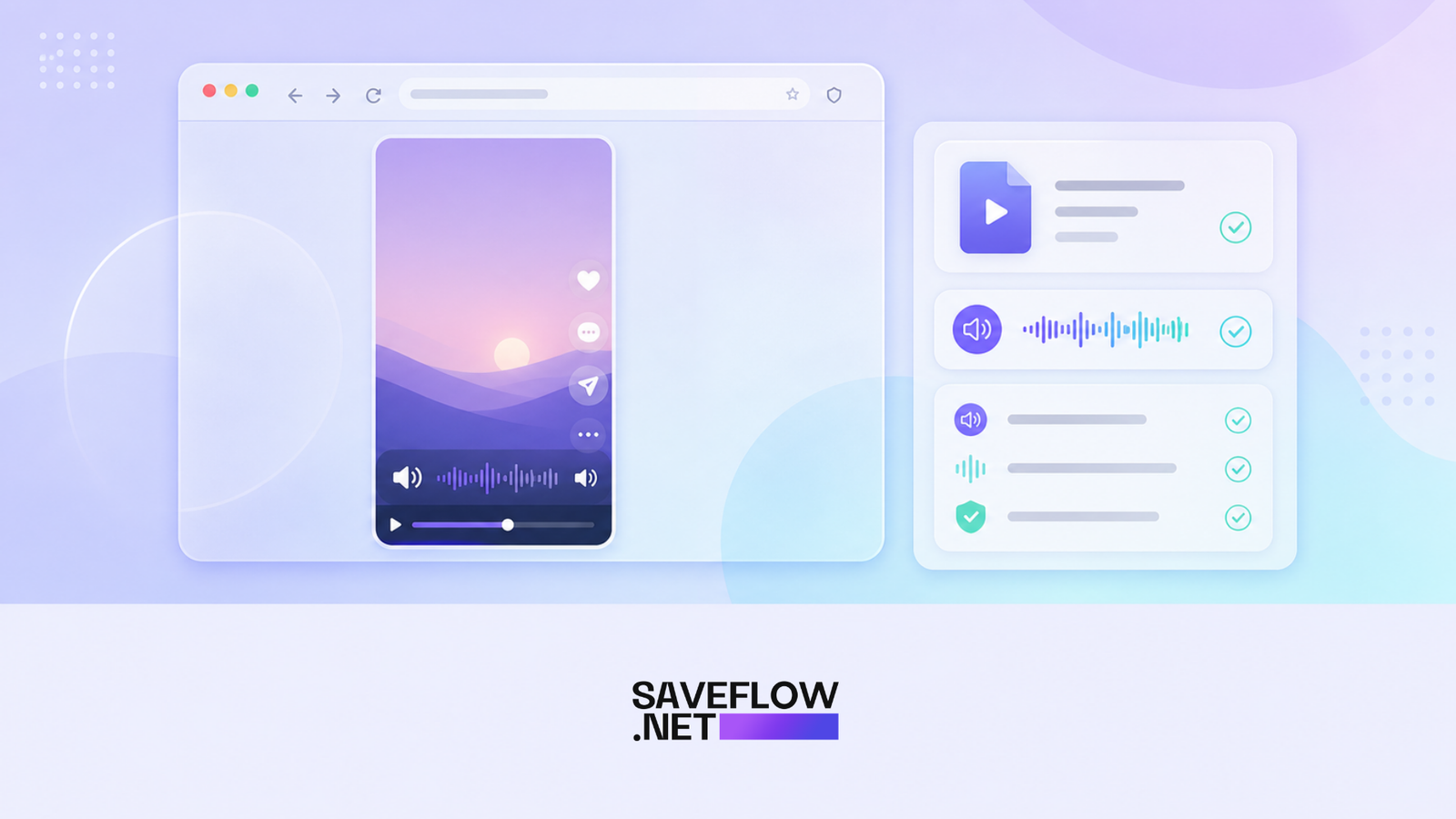
Instagram Reel audio missing after download source audio check
Fixes to try
Copy a fresh link from the Reel screen, not from a DM preview. Paste it into saveflow.net and choose a different MP4 option if more than one appears. If there is an audio-only or higher quality version, test that too.
If every downloaded option is silent, the public source probably does not include the track. At that point, downloading again will not change much unless Instagram changes the available source.
When screen recording makes sense
For personal reference, screen recording can capture what the app plays. The tradeoff is lower quality, visible interface elements unless you crop carefully, and possible notification interruptions. It is a fallback, not the cleanest method.
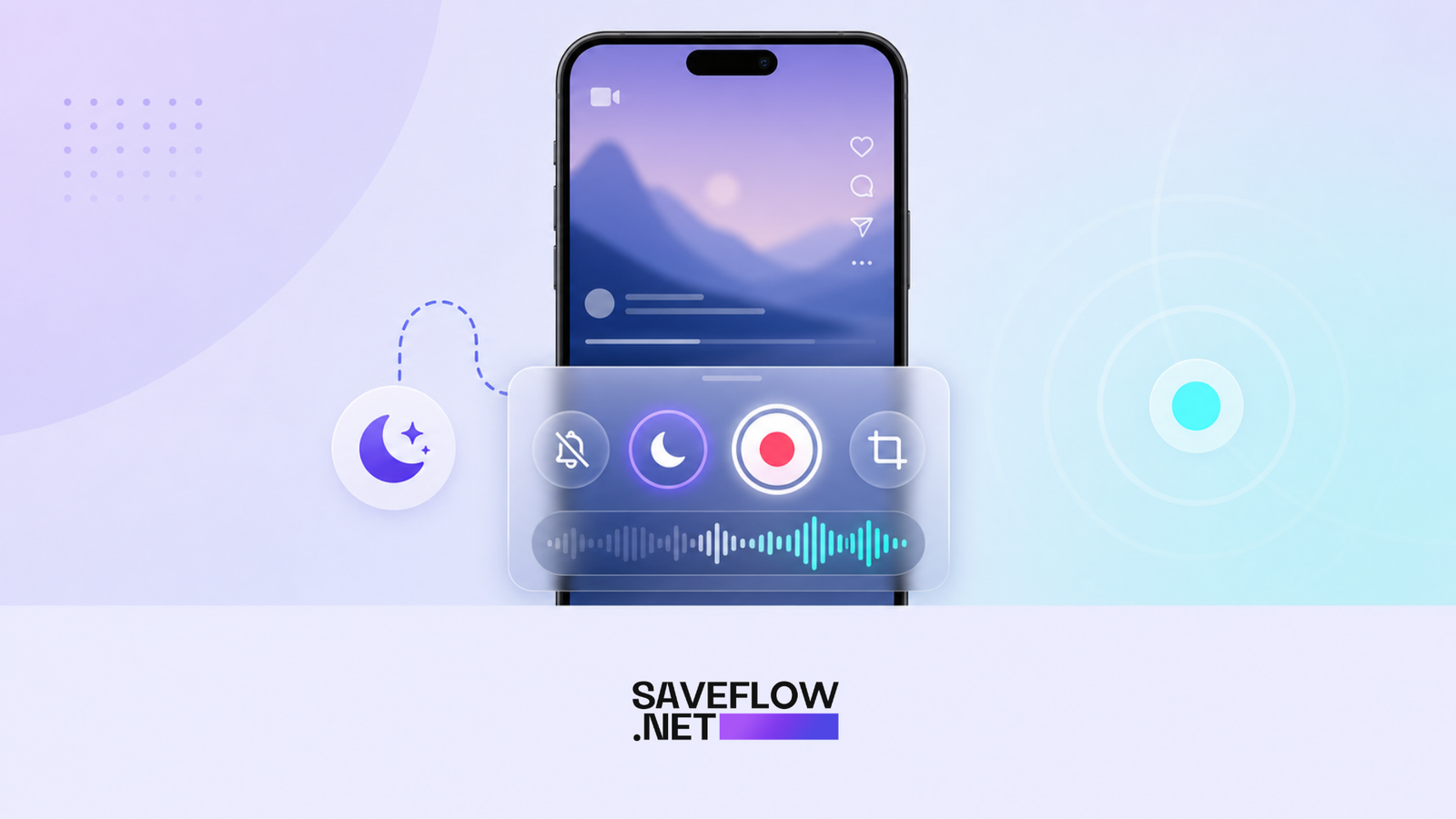
Instagram Reel no sound download fallback screen recording
Copyright and reuse
If the Reel uses music, be careful with reuse. Downloading a clip for personal reference is different from publishing the audio somewhere else. Licensed tracks can trigger takedowns on other platforms.
FAQ
Why did my Instagram Reel download without sound?
The public video file may not include the music track. Instagram can stream music inside the app separately.
Can SaveFlow recover missing Reel music?
SaveFlow can download available audio, but it cannot recover a track Instagram does not expose publicly.
Why does the Reel have sound in the app but not in the browser?
The app may have access to licensed audio that the public page does not provide.
Is screen recording better?
It can capture app playback for personal use, but the quality is lower and the result may include interface elements.
Suggested Internal Links:
saveflow.net/instagram-reels-downloader
Quick Answer
If an Instagram Reel downloaded with no sound, first check whether the Reel has audio on the public web page, not only inside the Instagram app. If the public page is silent, the downloadable source is probably silent too. If the browser version has audio, copy that clean URL and try the download again.
This is the part that frustrates people: Instagram can play music inside the app that is not bundled into the public video file. The Reel feels like one thing, but the video and music can be handled separately.
The Three Types of Missing Audio
The first type is a silent source. The creator uploaded a muted video and added music later through Instagram. The downloadable video may only include the original muted track.
The second type is restricted music. Instagram has permission to stream the song in the app, but that does not mean the track is exposed for public download. These are the cases where every downloader seems to fail.
The third type is a bad download. The audio exists, but the file was interrupted, the wrong quality option was selected, or the phone opened the video with audio muted. This is the only type you can usually fix in a few minutes.
A Better Troubleshooting Order
Do not start by changing browsers ten times. Start with the source. Open the Reel link in Safari or Chrome while logged out. If the public page plays with sound, the audio is probably available. Copy the URL from that browser page and paste it into SaveFlow.
If it still downloads silently, try another quality option. If every result is silent, the track is likely not exposed. At that point, repeating the same download will not help.
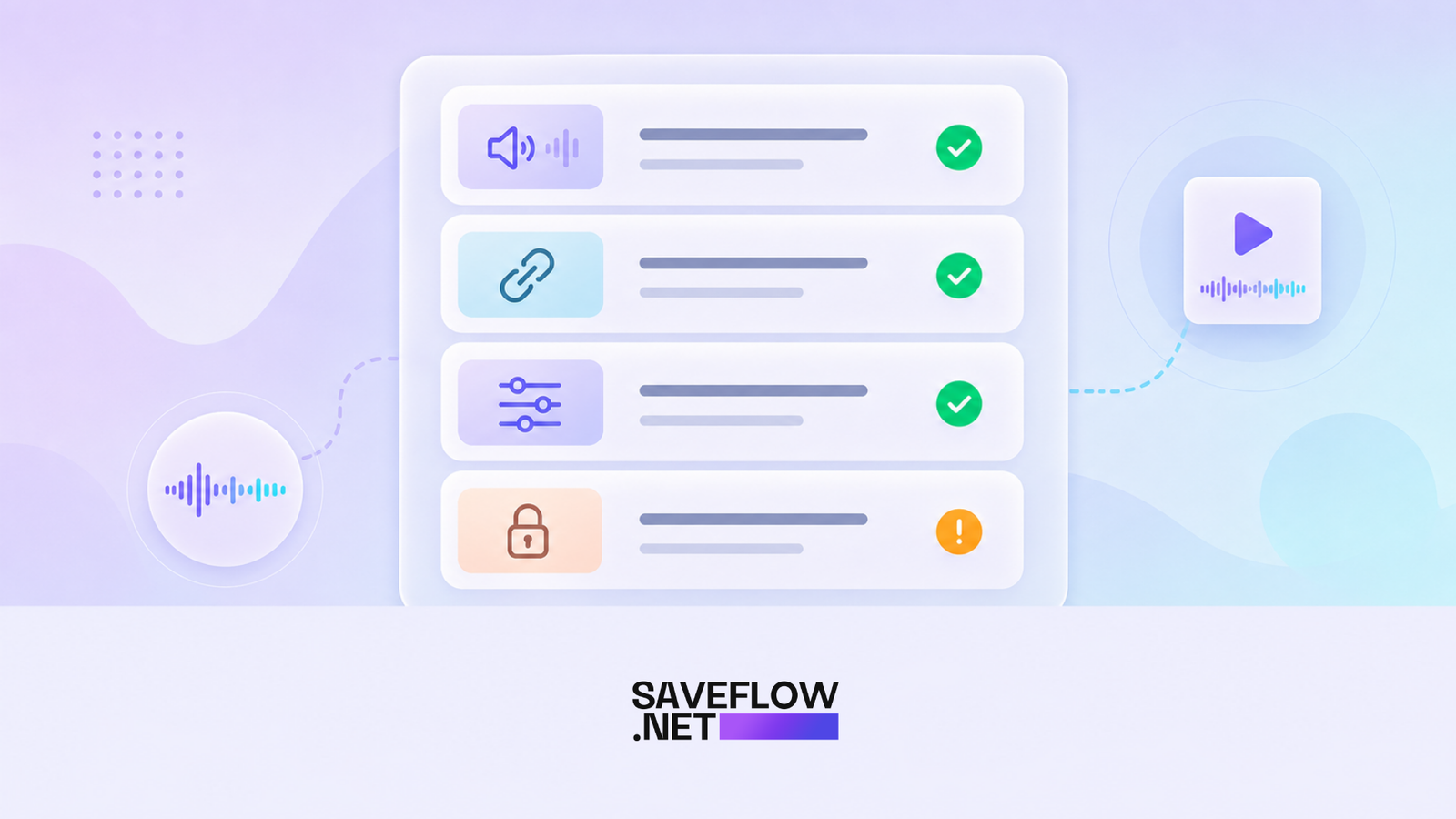
Instagram Reel downloaded with no sound troubleshooting checklist
Why This Is Good Search Traffic
People searching this query are already annoyed. They do not want a generic Instagram downloader article. They want to know why their file is silent and whether they can fix it. Put the answer near the top, then give the deeper explanation below.
What to Say About Screen Recording
Screen recording is a fallback for personal reference, not the best download method. Tell readers the tradeoff plainly: it can capture app playback, but quality is lower, notifications can interrupt, and interface elements may appear. Suggest Do Not Disturb before recording if they go that route.
Final Practical Check
After downloading, open the MP4 in the phone's native player. Then try VLC or another player if needed. If neither plays audio, the file probably does not contain an audio track.