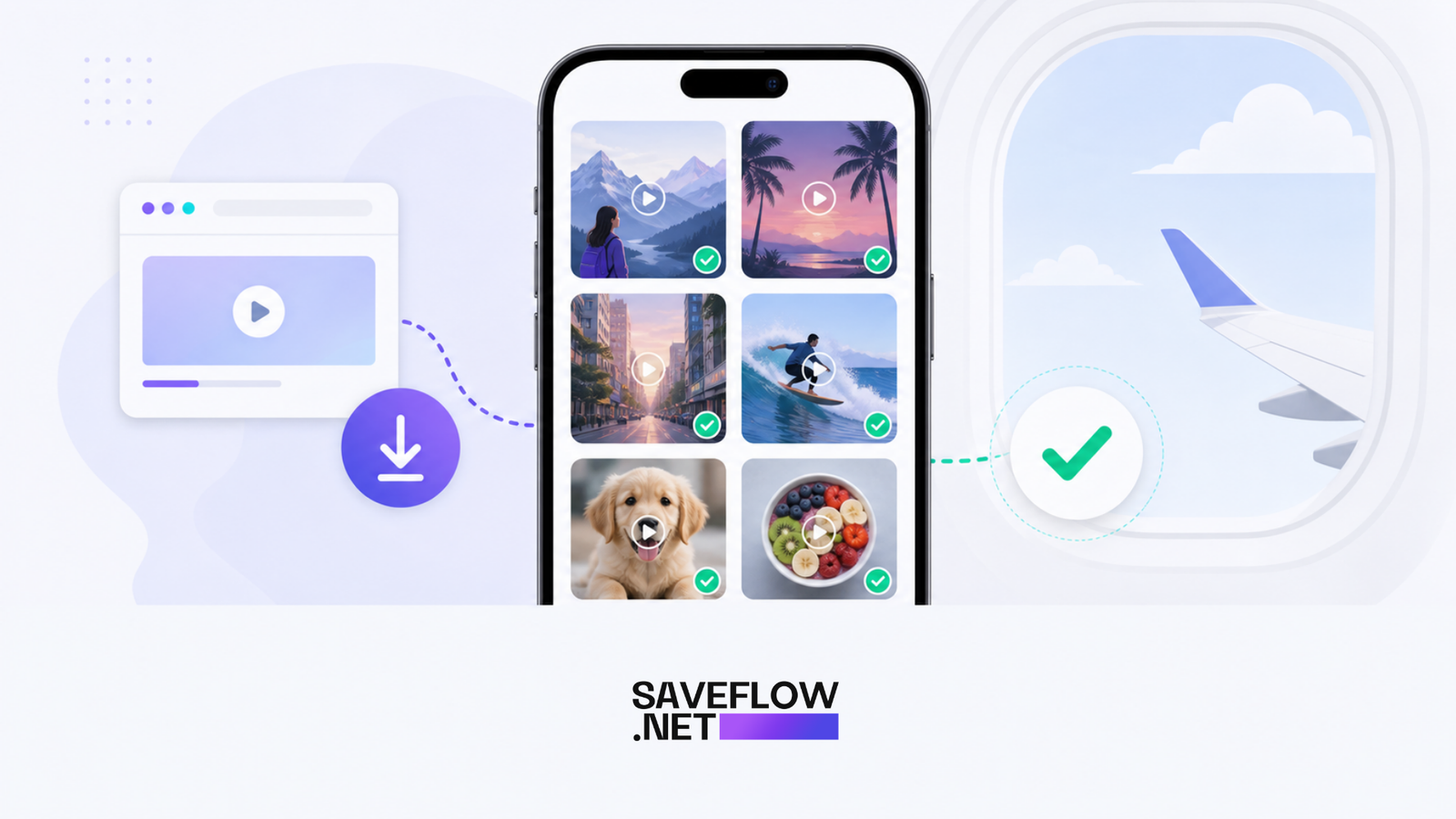
Saving TikTok videos for offline travel is useful when you know your signal will be bad, your flight has no Wi-Fi, or you want a small folder of clips ready before you leave. This is not about reposting other people's work. It is about keeping public videos available when the app will not load.
Why save TikTok videos for offline travel
TikTok depends on a steady connection. Airport Wi-Fi, hotel Wi-Fi, and mobile roaming can all be uneven. A saved MP4 plays from your phone storage, so it does not pause every few seconds or burn through a roaming plan.
The best time to save videos is before you leave home. Use Wi-Fi, download only the clips you actually want, and check that each file plays before you close the browser.
How to download before a trip
Copy the TikTok link from the share menu, open saveflow.net, paste the URL, and choose an MP4 option. On iPhone, Safari usually stores the video in the Files app first. Open the file, tap Share, then Save Video if you want it in Photos. On Android, check Downloads or your gallery app.
If you are saving several videos, make a folder called Trip Videos or Offline Clips. A folder sounds boring, but it saves you from hunting through hundreds of camera photos later.
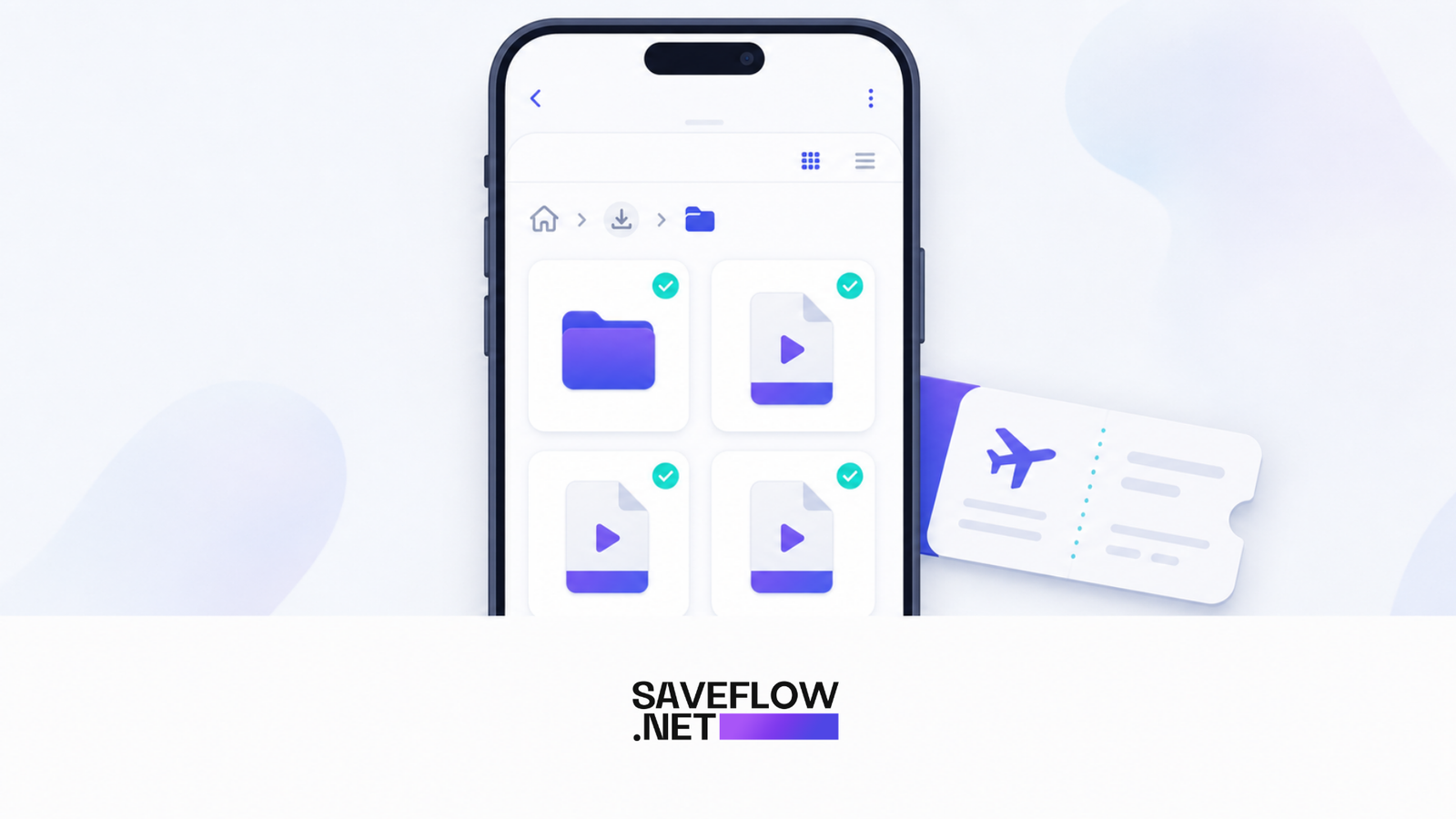
Save TikTok videos offline for travel in a phone downloads folder
Pick the right quality
For phone viewing, 720p is usually enough. It looks clear on a small screen and keeps file sizes reasonable. Use 1080p if you plan to watch on a tablet, mirror to a TV, or edit the file later.
A short TikTok in 720p may be only a few megabytes. Ten or twenty clips can still add up, so check available storage before a long trip. If your phone is almost full, delete duplicates and old downloads first.
Captions and context
Some videos only make sense with the caption or creator name. When you save a video, the MP4 may not include the original post caption. If context matters, save the post link in Notes beside the file name, or take a screenshot of the post before downloading.

Save TikTok videos offline with original links for context
Playback problems while offline
If a video will not play offline, it may not have fully downloaded. Open the file while you still have Wi-Fi. If it opens and scrubs normally, it is ready. If it shows a tiny file size or a blank preview, download it again.
Use standard MP4 whenever possible. It works in Photos, Files, Google Photos, VLC, and most built-in gallery apps.
FAQ
Can I save TikTok videos for a flight?
Yes. Download the public videos before the flight and test playback while you still have internet.
Why are my saved TikTok videos not in Photos on iPhone?
Safari saves them to Files first. Open the MP4, tap Share, then Save Video.
How many TikToks can I save on my phone?
It depends on storage and quality. A small folder of 720p clips is usually fine, but hundreds of clips can fill storage quickly.
Should I keep the original TikTok links?
Yes, if you need creator credit, captions, or source context later.
Suggested Internal Links:
saveflow.net/tiktok-downloader
Quick Answer
If you want TikTok clips ready for a flight, train ride, road trip, or hotel with bad Wi-Fi, download them before you leave. Copy the TikTok link, paste it into SaveFlow, choose MP4, and test playback while you still have internet. On iPhone, remember that Safari downloads land in Files first. On Android, the video usually appears in Downloads or Gallery.
That one small habit matters. People often save five or six videos at the gate, close Safari too early, and only notice the broken files after airplane mode is on. Open every downloaded file once before you travel. If it plays, scrubs, and has sound, it is ready.
The Travel Mistake That Wastes Storage
The mistake is downloading everything in the highest quality just because the button is there. A 1080p clip is useful when you want to edit it later or watch on a larger screen. For casual offline viewing on a phone, 720p usually looks good and takes less space.
Think in batches. Ten short clips in 720p may be comfortable. Fifty clips in 1080p can become a storage problem, especially if your phone already has photos, maps, music, and messaging backups. Before a trip, check Settings, Storage on iPhone or Android. If you have less than 5 GB free, clean up first.
How to Build a Small Offline Playlist
Pick videos with a reason. Save a cooking tip you want to try, a travel recommendation, a language clip, a workout routine, or a creator explanation you want to replay. Do not turn your phone into a second TikTok feed with no search function.
Use filenames that make sense. A file called video-7.mp4 tells you nothing. Rename important clips with a short topic, such as tokyo-ramen-map.mp4 or packing-cubes-tip.mp4. If you are saving creator content for later reference, keep the original link in Notes too.
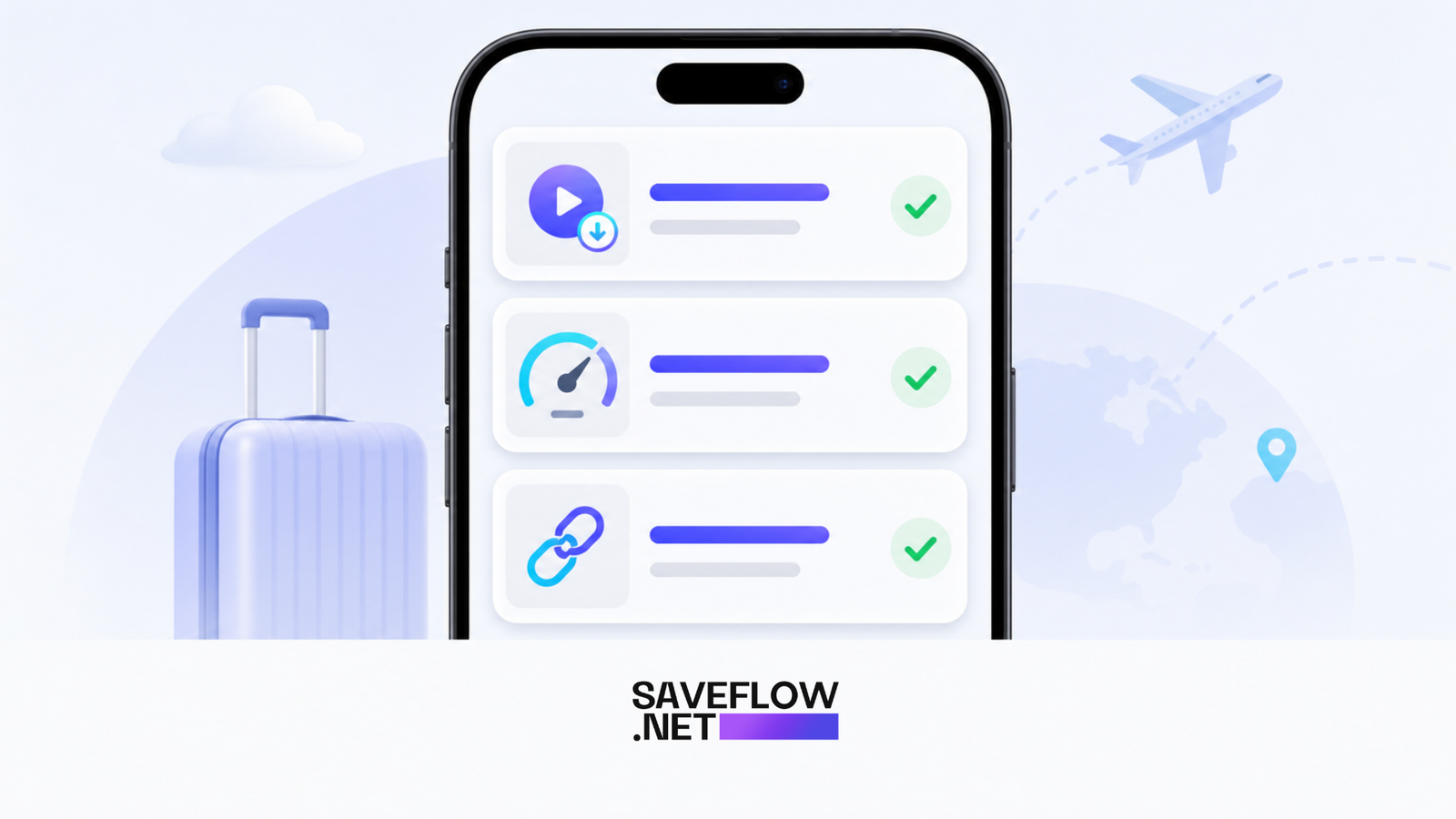
Watch TikTok offline on flights download checklist
When Not to Download
If the video is private, personal, or posted by someone who clearly did not intend it to travel outside the platform, do not force it. Save public videos for personal reference and keep attribution if you share the idea later. Offline viewing is practical. Reposting without credit is a different thing.
Better SEO Publishing Angle
This post should rank for users who are not only searching for "download TikTok". They are searching because they have a real situation: airplane mode, bad hotel Wi-Fi, school trip, commuting, or roaming data limits. Use the title and intro to answer that moment quickly.