Sometimes you don't want the video. You want the sound. Maybe it's a trending audio clip you want as a notification tone, a song you heard on a Reel, or a podcast snippet someone posted on TikTok. Whatever the reason, extracting audio from a TikTok or Instagram video is straightforward once you know how.
Why Extract Audio From Social Videos
The most common reason is music. You hear a song in a TikTok and want to listen to it without watching the video. Or you want the audio for a personal project, a ringtone, or just to have on your phone. Some people extract audio from their own TikTok recordings because they spoke into the camera and want the audio file without the video.
Another use case: podcast clips. A lot of podcasters post short clips on TikTok and Instagram. If you'd rather listen than watch, converting to MP3 gives you a portable audio file you can play anywhere.
How to Extract Audio With SaveFlow
1. Copy the TikTok or Instagram video link. In TikTok, tap Share and then Copy link. In Instagram, tap the three dots on a Reel and then Copy link.
2. Go to saveflow.net in your browser.
3. Paste the link into the input field.
4. When the download options appear, look for the MP3 option instead of the video options.
5. Tap download on the MP3 option.
6. The audio file saves to your device.
The process is the same for both TikTok and Instagram. Paste any supported video link and the MP3 extraction option should be available alongside the video downloads.
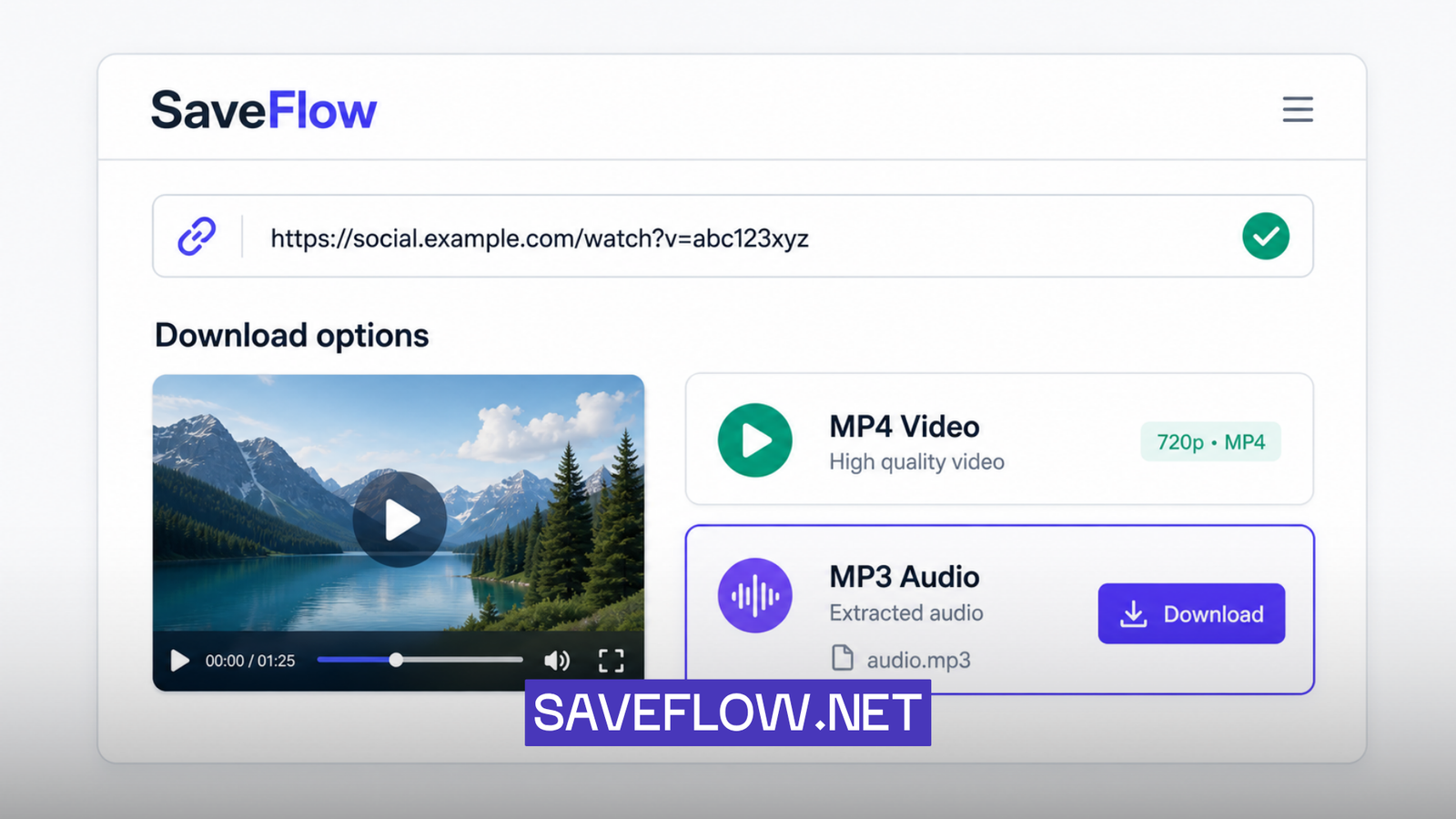
TikTok to MP3 converter SaveFlow showing audio download option
Audio Quality: What the Numbers Mean
MP3 files have a quality measurement called bitrate, expressed in kbps (kilobits per second). Higher bitrate means better audio quality but larger file size. Here's what the common options actually sound like in practice.
128kbps is fine for speech. Podcasts, talking videos, commentary. You won't notice any issues. Music sounds okay at 128kbps but lacks some depth in the high frequencies. If someone's just talking, 128kbps is all you need.
192kbps is the sweet spot for music. Most people can't tell the difference between 192kbps and higher quality in a blind test, especially on phone speakers or earbuds. This is a good default choice.
320kbps is the maximum for MP3. It's audibly identical to the original for most listeners, even on good headphones. The file size is roughly 2.5x larger than 128kbps. Unless you have a specific reason to need the highest quality, 192kbps will serve you fine.
To put file sizes in perspective: a 30-second audio clip at 128kbps is about 480KB. At 192kbps, about 720KB. At 320kbps, about 1.2MB. These are small files regardless.
Using Extracted Audio as a Ringtone
On iPhone
iPhone makes this harder than it should be. You need to convert the MP3 to an M4R file (Apple's ringtone format) and import it through iTunes or the GarageBand app on your phone. In GarageBand, import the MP3, trim it to the section you want (ringtones max out at 30 seconds), and export it as a ringtone. It's a few extra steps, but it works.
On Android
Android is simpler. Download the MP3, open your Settings, go to Sound, then Ringtone, and select the MP3 file from your Downloads folder. Some Android versions let you long-press the file in your file manager and set it as a ringtone directly.
Can You Extract Audio From Instagram Reels?
Yes. The process is identical. Copy the Reel link, paste it in SaveFlow, and choose the MP3 option. The same quality options and file size expectations apply. Instagram audio tends to be similar quality to TikTok since both platforms compress content during upload.
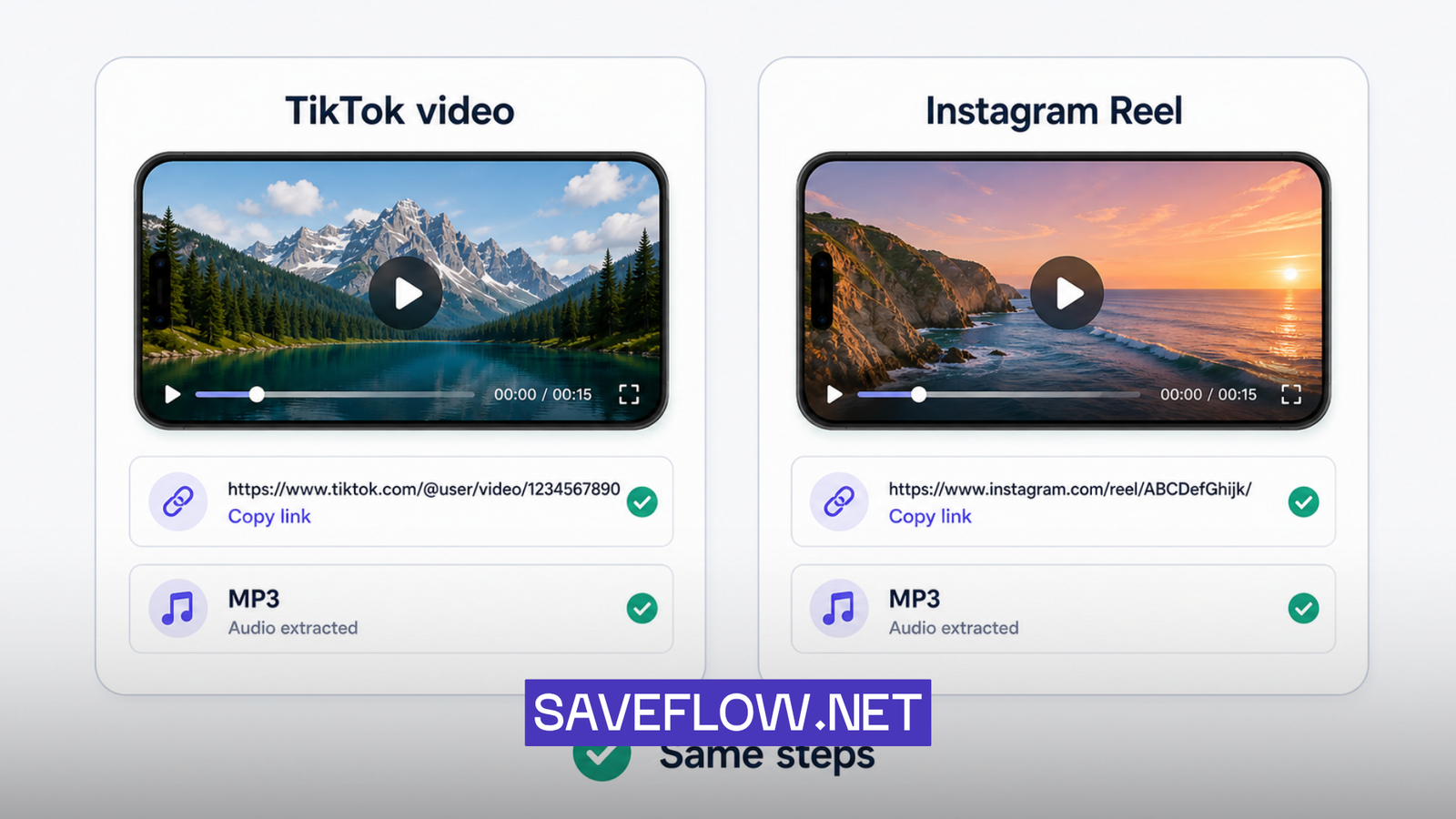
Extract audio MP3 from TikTok video and Instagram Reel with SaveFlow
A Note on Copyright
Most trending sounds on TikTok are copyrighted music. Downloading them as MP3s for personal listening is in a legal gray area similar to recording a song from the radio. Using extracted audio in your own content that you publish could get you a copyright claim. I'm not a lawyer and this isn't legal advice, but it's worth being aware that the original rights holders own the music regardless of where you downloaded it from.
If you're extracting audio from your own videos or from content that uses original (non-licensed) sounds, copyright isn't a concern.
Troubleshooting
Audio quality sounds worse than expected
TikTok and Instagram compress audio during upload. The MP3 you extract can only be as good as what the platform has. If the original video had low-quality audio, the MP3 will too. There's no way to improve audio quality beyond the source material.
The MP3 file won't play
Check that the file actually finished downloading. A partially downloaded file won't play. Try downloading again on a stable connection. If the file is very small (under 10KB), the download probably failed and you got an error page saved as a file instead of actual audio.
Wrong format or can't find the file
On iPhone, check the Files app under Downloads. On Android, check your Downloads folder. The file should have an .mp3 extension. If your music player doesn't recognize it, try opening it with a different app. VLC (available on both platforms) plays practically everything.
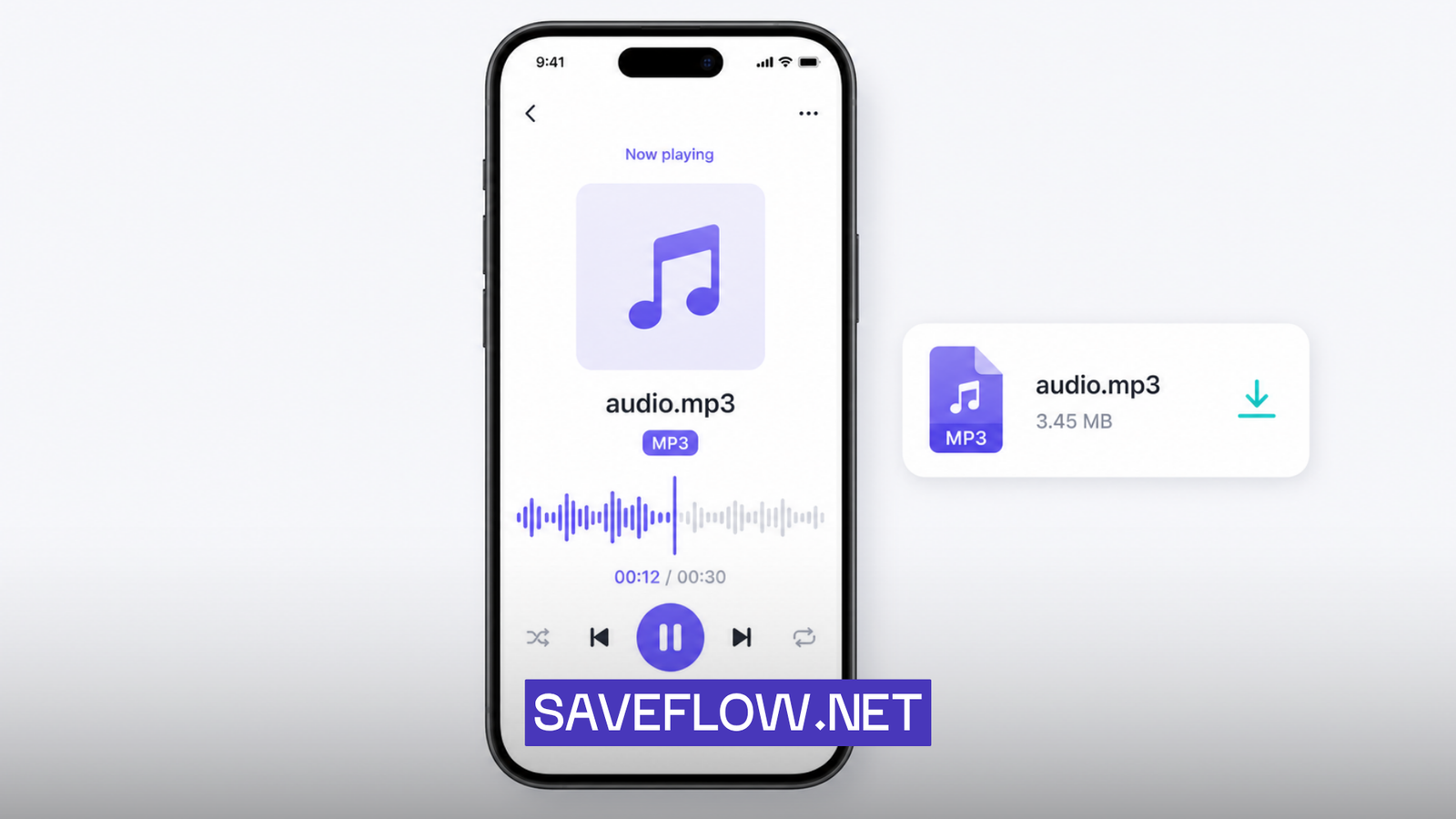
Downloaded TikTok audio MP3 file playing in mobile music player
FAQ
Can I extract audio from any TikTok video?
If you can download the video, you can extract the audio. The same restrictions apply: the post needs to be from a public account, and the link needs to be valid. Private account content can't be accessed by downloaders.
Is 128kbps good enough for music?
For casual listening on phone speakers or average earbuds, 128kbps is fine. You'll start noticing the compression on good headphones or speakers. 192kbps is a better choice if you care about music quality at all.
Can I use a TikTok sound as my alarm?
On Android, yes. Download the MP3 and set it as your alarm sound in your Clock app. On iPhone, you'd need to convert it to an M4R file through GarageBand first, same as the ringtone process.
Why is the extracted audio only 15 seconds long?
The audio matches the video length. If the TikTok video was 15 seconds, the MP3 will be 15 seconds. There's no way to get a full song from a 15-second clip. If you want the full track, you'd need to find it on a music streaming service.
Does SaveFlow support other audio formats besides MP3?
MP3 is the primary audio format offered. It's the most universally compatible format and plays on every device and music app. If you need a different format like WAV or AAC, you can convert the MP3 using a file converter like filesflow.net after downloading.