How to Download TikTok Videos in HD Without Losing Quality
Published Updated By SaveFlow Editorial
Introduction
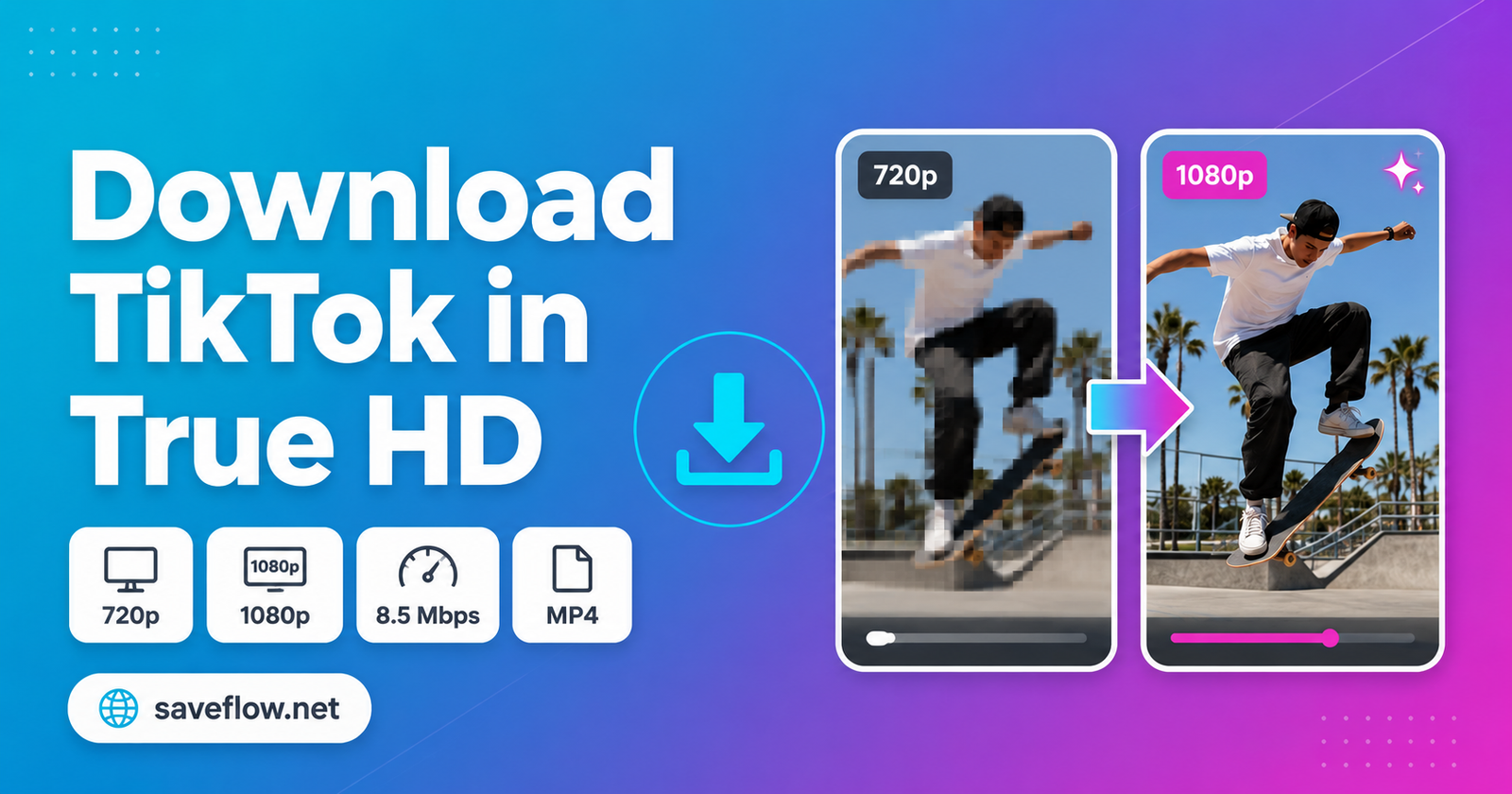
A video labeled HD can still look soft if the original upload was compressed, the available file uses a low bitrate, or the clip was downloaded and reuploaded several times. Resolution matters, but it is only one part of visible quality. A clean 720p source can look better than a heavily compressed file advertised as 1080p.
Your goal is not to invent detail that TikTok never stored. It is to avoid an extra round of compression and select the strongest public media variant exposed by the source. The following workflow helps you compare options and verify the result.
Quick Answer
Copy the URL of the original public post, process it once, and choose the highest available MP4 resolution with a sensible file size. Download directly rather than screen-recording, then inspect the saved video's dimensions and sharpness before editing or sharing it.
Before You Start
Before changing several settings at once, determine whether the issue belongs to one piece of media or to every TikTok request. The first two clues in this case are the original upload is limited and resolution and bitrate do not match. Testing a second known public item creates a useful control: if it works, focus on the original source, its URL, and its audience instead of reinstalling unrelated software.
Use one controlled workflow and record what changes. Begin with find the original public post: Prefer the creator's first upload over compilations and reposts. An earlier source is less likely to have passed through multiple compression cycles. Then change only one variable, such as the browser, connection, or copied link. This prevents a temporary success from being mistaken for a permanent fix and makes any support report far more useful.
Why TikTok Downloads Can Look Blurry
The original upload is limited
A downloader cannot restore pixels, focus, or bitrate missing from the creator's source. Low-light clips and old reposts often begin with less detail.
Resolution and bitrate do not match
A 1080p frame with too little bitrate may contain smearing and block artifacts. File size, motion, and encoding efficiency matter alongside width and height.
The video was recompressed again
Screen recording, messaging apps, social reposts, and video editors can each create a new compressed copy. Every generation risks losing fine texture.
Playback is misleading
A phone may show a low-resolution preview while loading, or a cloud gallery may stream a smaller version. Check the local file itself before judging quality.
How to Preserve the Best Available Quality
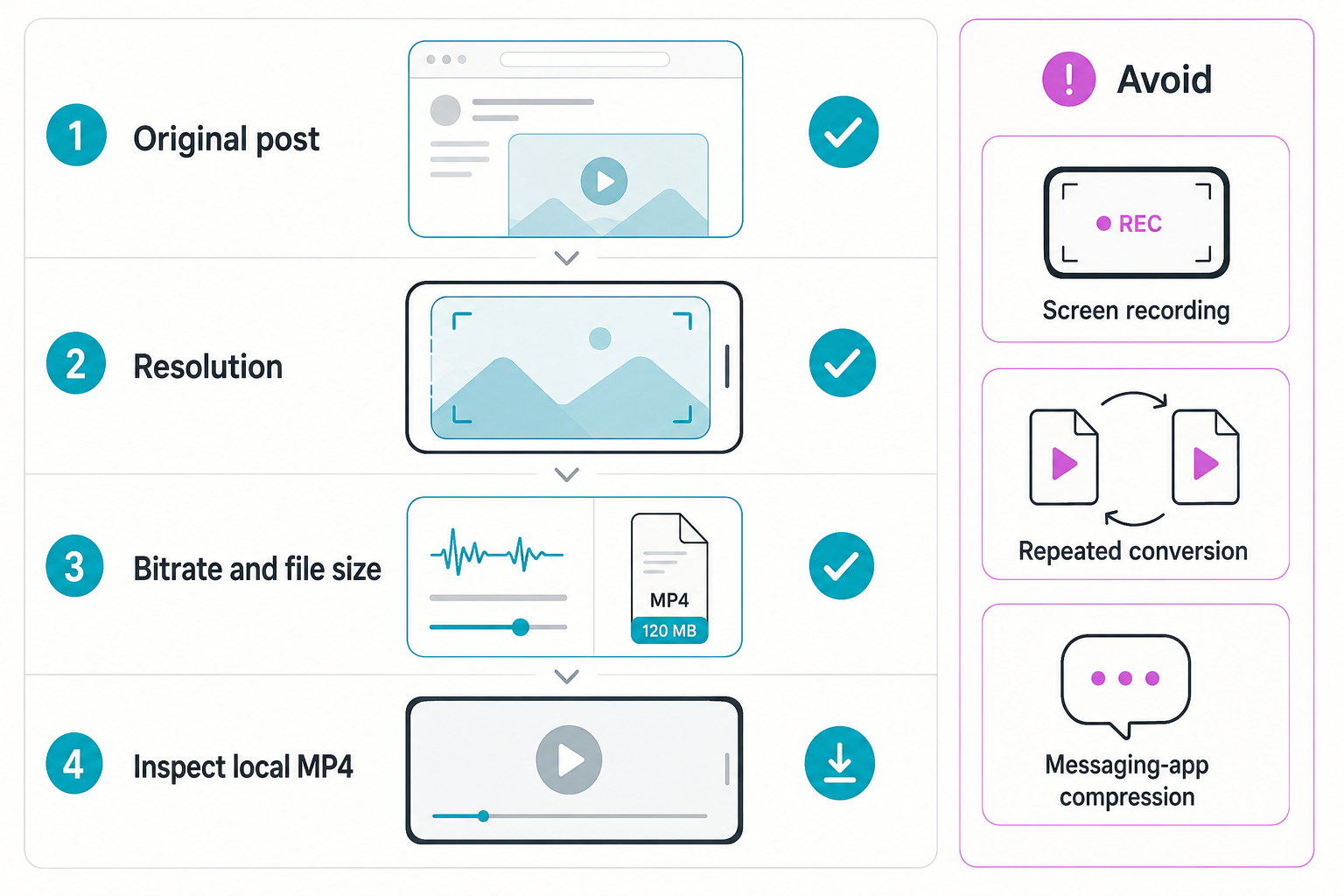
- Find the original public post
Prefer the creator's first upload over compilations and reposts. An earlier source is less likely to have passed through multiple compression cycles. - Copy the canonical link
Use TikTok's Share menu and verify that the address opens the correct public post in a regular browser. - Process the link once
Paste it into SaveFlow and allow the available media choices to load fully. Avoid running several simultaneous requests. - Compare resolution and file size
Choose the largest appropriate MP4 when multiple variants are available. A dramatically smaller file at the same dimensions usually contains less video data. - Inspect the downloaded file
Check pixel dimensions in file details and review a motion-heavy section at full screen. Look for blockiness, banding, smeared text, and jagged edges. - Avoid unnecessary conversion
Keep the original MP4 for archiving. If you edit it, export once at the same frame rate and a suitable bitrate rather than repeatedly converting the file.
Practical HD Quality Tips
Use stable internet
A reliable connection reduces incomplete files and makes quality-option loading more predictable.
Compare on the same screen
Judge two files at the same display size; zooming one more than the other creates a false comparison.
Keep the aspect ratio
Stretching vertical video into a different shape makes it look softer and distorted.
Archive before editing
Retain an untouched copy so later exports do not become your only version.
Device-Specific Notes
iPhone and iPad
Use current Safari or another updated browser, check Photos permissions when a file must enter the library, and inspect the Files app when it does not appear in Photos. Keep the browser in the foreground until a large TikTok file finishes.
Android
Check the Downloads folder, browser download permission, free storage, and battery-saving rules. Some Android versions pause a background browser aggressively, so complete the request before switching apps.
Windows, macOS, and Chromebook
Use an updated mainstream browser and confirm the configured download location. Browser extensions, managed-network filters, and VPN software are easier to test in a private window or a clean browser profile.
How to Verify the Saved File
- Open the local file: Disconnect from the result page and play the saved item from local storage. This proves the download is complete rather than a temporary streamed preview.
- Check the important properties: Confirm duration, dimensions, file type, audio, and the final seconds. For this topic, also remember the practical advice to use stable internet.
- Compare with the source: Review the beginning, a motion-heavy middle section, and the ending. Missing slides, silent audio, abrupt endings, or a very small file can reveal an incomplete or lower-quality result.
- Respect the boundary: The first hard limit is upscale real detail. Delete unintended copies and retain the media only when your ownership, permission, or lawful use is clear.
What HD Downloading Cannot Do
Upscale real detail
A larger frame size does not recreate facial detail or texture that was never present.
Guarantee 1080p
Available quality depends on what the public source exposes for that exact post.
Remove every compression artifact
Artifacts baked into the upload remain visible in any faithful download.
Responsible use: Preserve quality only for public media you are allowed to save. High resolution does not change copyright ownership or grant permission to republish a creator's work.
Frequently Asked Questions
Is 1080p always better than 720p?
Not automatically. A well-encoded 720p source can look cleaner than a low-bitrate 1080p file. Compare both resolution and visible artifacts.
Does watermark removal reduce quality?
It depends on the source file. A clean source variant can preserve quality, while cropping or re-encoding a watermarked copy may reduce it.
Why does the video look blurry after I send it?
Many messaging services compress uploads. Send the MP4 as a file or document when the service offers that option, and keep the original locally.
Final Takeaway
The best TikTok download is the strongest file the source actually provides, saved without another avoidable conversion. Start with the original post, compare real file options, inspect the result, and protect the untouched MP4. That workflow preserves more quality than relying on labels alone.